SG_161222
Realistic Vision
Downloads
Model Report
Overview
Realistic Vision is a series of generative artificial intelligence models dedicated to producing images with a high degree of realism and photorealism. Developed by SG_161222, these models are capable of synthesizing visually convincing images across diverse subjects. Realistic Vision is available through prominent model-sharing portals, including Civitai and Hugging Face, where multiple versions and model variants have been released and adopted within the community.
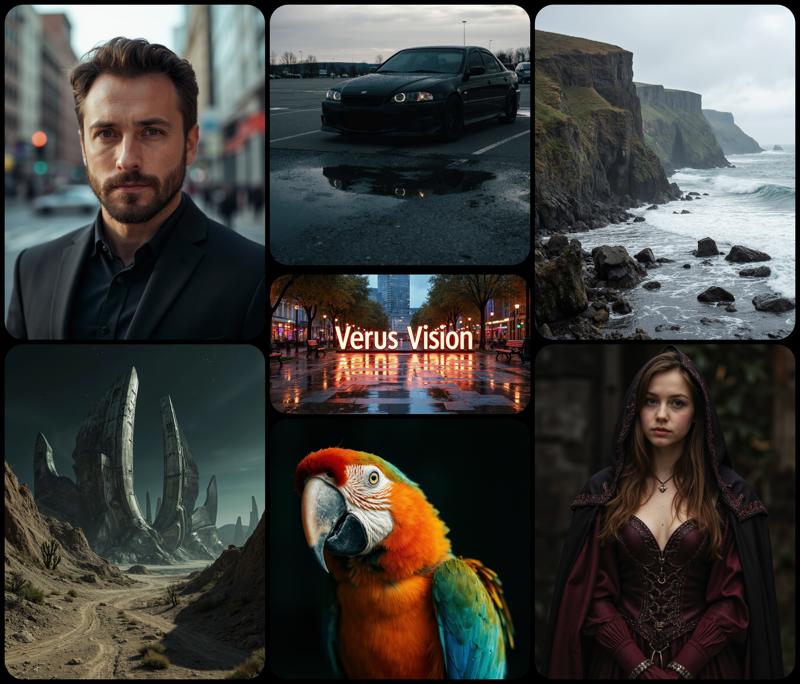
Figure 1. A collage illustrating the range of subjects and styles achievable with the Realistic Vision model family.
Technical Specifications and Model Architecture
At its core, the Realistic Vision V6.0 B1 model is a "Checkpoint Merge," meaning it is assembled through the integration and fine-tuning of multiple pre-existing models. The foundational architecture is based on Stable Diffusion 1.5 Hyper, leveraging the latent diffusion framework for efficient high-resolution image generation.
The model supports a spectrum of output resolutions, such as 896×896 pixels for face portraits and up to 1152×640 pixels for full-body shots. While Realistic Vision is designed to operate at larger resolutions, some challenges remain, including the occasional appearance of duplicated or mutated features, particularly at the highest settings. The developers recommend pairing recent versions, such as V6.0, with a dedicated Variational AutoEncoder (VAE) to minimize visual artifacts and enhance fidelity.
Enhancements have also focused on inpainting variants, which enable selective modification or restoration of image regions. These versions, such as V5.1 Hyper-Inpaint and several others, are optimized for tasks that involve completing or refining specific parts of an image.
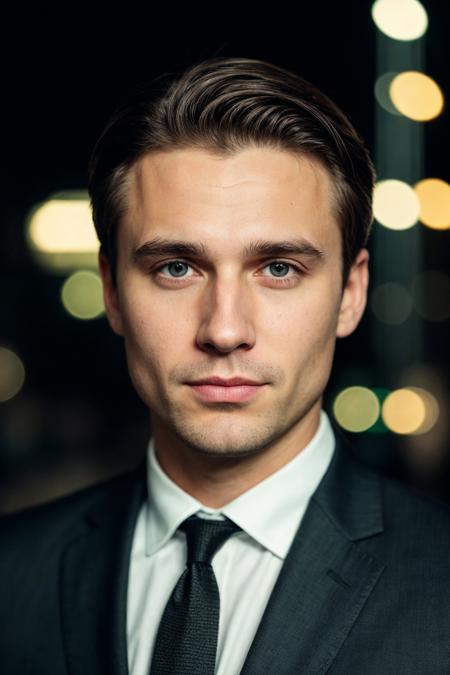
Figure 2. Sample model output demonstrating photorealistic portrait generation. Prompt included details for a high-resolution professional portrait.
Training Methodology and Influences
Realistic Vision's development process uses both direct dataset expansion and strategic merging of influential community models. Training for version V6.0 B2, for example, involved increasing the number of training images to over 3,400 and extending training steps to beyond 724,000, as compared to its predecessor V6.0 B1's 3,000 images and 664,000 steps.
The model architecture is built upon a foundation of merged and fine-tuned checkpoints, drawing inspiration from a collection of reputable models in the photorealistic AI art domain. These include HassanBlend 1.5.1.2, a photorealistic image generation model, Protogen x3.4, Dreamlike Photoreal 2.0, and Analog Diffusion, among others. This merging strategy enables Realistic Vision to aggregate the distinctive characteristics of multiple source models, resulting in enhanced realism and broader subject fidelity.
Due to the checkpoint merging approach, details on proprietary datasets are limited. However, documentation highlights steady improvements in both the diversity and size of training data over each major release.
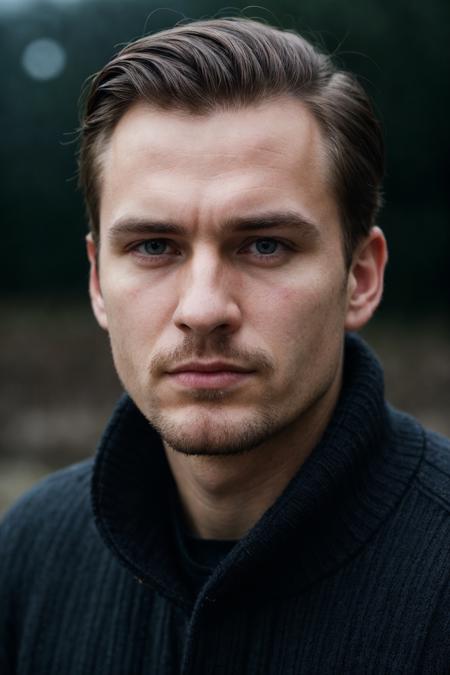
Figure 3. Example of the model's detailed photorealism in rendering facial features. Prompt requested a close-up, natural lighting, and soft focus.
Performance, Community Reception, and Use Cases
Since its public release, Realistic Vision has seen widespread adoption and community reception. On Civitai, the V6.0 B1 version attained an "Overwhelmingly Positive" rating, based on over 8,500 community reviews, with more than 1.7 million downloads and 48,000 likes reported. The variant hosted on Hugging Face achieved over 55,000 downloads in a single month, indicating its adoption within the generative art community.
Typical use cases include the creation of photorealistic portraits, half-body, and full-body images for artistic, illustrative, or design applications. The series also supports specialized inpainting tasks, where selected regions of images can be refined or seamlessly completed.
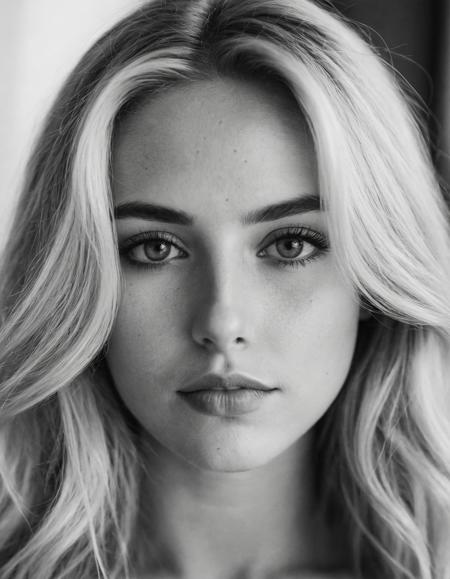
Figure 4. High-contrast, monochromatic portrait output reflects the model’s adaptability to different photographic styles. Prompt requested black and white headshot.
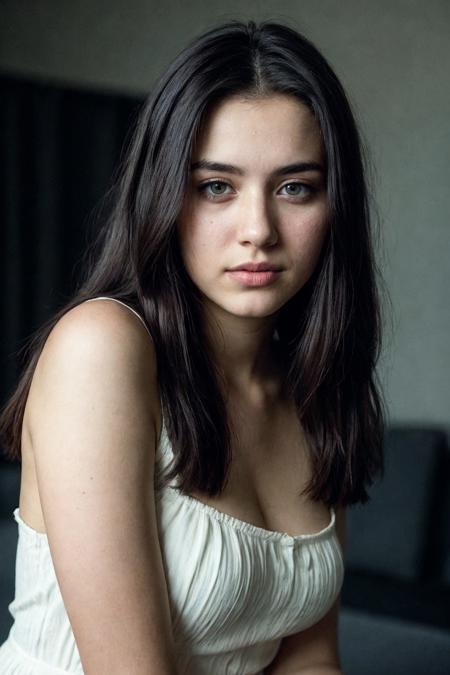
Figure 5. Color portrait generated by the model, demonstrating balanced lighting and sharp detail. Prompt focused on a soft-lit portrait of a woman.
Typical Generation Settings and User Recommendations
The most effective results with Realistic Vision are achieved through careful parameter tuning. For V6.0 B1 and later, it is recommended to use advanced sampling strategies such as DPM++ SDE Karras with extended step counts (typically over 25 steps) or DPM++ 2M SDE with 50 or more steps. Configuration settings such as the "CFG Scale" benefit from a range between 3.5 and 7, balancing mutation risk against contrast fidelity.
To further enhance image quality—particularly skin detail and artifact suppression—users can employ upscalers like 4x-UltraSharp. For negative prompting, keywords are used to suppress unwanted distortions or rendering errors; employing embeddings such as UnrealisticDream negative embeddings is common to avoid features like excessive limb duplication or inconsistencies.
Resolution guidelines suggest 896×896 pixels for close portraits and 768×1024 pixels or higher for full or half-body compositions. The model also supports tools such as ADetailer or Detail Tweaker LoRAs for nuanced output refinement.
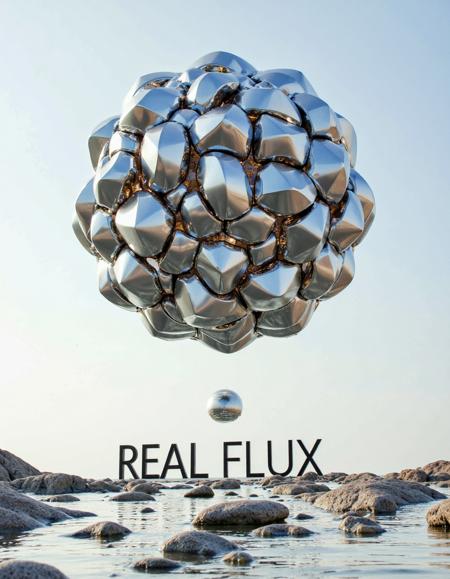
Figure 6. Abstract and surreal render illustrates the model family's capability for stylized and artistic image synthesis.
Versions, Family Models, and Licensing
The Realistic Vision series has evolved through several major versions—V1.2, V2.0, V3.0, V4.0, V5.0, V5.1, and the V6.0 releases—each expanding its capabilities, supported formats, and model diversity. In addition to the core Realistic Vision line, SG_161222 has authored other related models, such as ParagonXL, NovaXL, and RealDreamXL, as well as art-focused models like RealFlux and Verus Vision.
Realistic Vision is distributed under the CreativeML Open RAIL++-M license, which grants permission for a broad range of uses while ensuring attribution and certain ethical compliance requirements.
Limitations
Despite its strengths, the model occasionally exhibits limitations—most notably the introduction of artifacts, mutations, or duplicated features in complex scenes or at high resolutions. Pose accuracy and detail consistency, especially in full-body images, can also present challenges in specific generations. Ongoing development and feedback-driven updates aim to minimize these shortcomings in future iterations.
External Resources
More in the Stable Diffusion 1 Family
Stable Diffusion 1.1
Stable Diffusion 1.5
OpenJourney v4
Photon
Juggernaut
Analog Diffusion
Dreamshaper
Meina Mix
epiCRealism
Absolute Reality
Cyber Realistic
MajicMIX Realistic
epiCPhotoGasm
ControlNet SD 1.5 Canny
ControlNet SD 1.5 IP2P
ControlNet SD 1.5 Depth
ControlNet SD 1.5 MLSD
ControlNet SD 1.5 Normal
ControlNet SD 1.5 Open Pose
ControlNet SD 1.5 Scribble
ControlNet SD 1.5 Segmentation
ControlNet SD 1.5 Soft Edge
ControlNet SD 1.5 Inpaint
ControlNet SD 1.5 Line Art
ControlNet SD 1.5 Lineart Anime
ControlNet SD 1.5 Shuffle
ControlNet SD 1.5 Tile
ControlNet 1.5 IP Adapter
ControlNet 1.5 QR Code
Compatible Apps
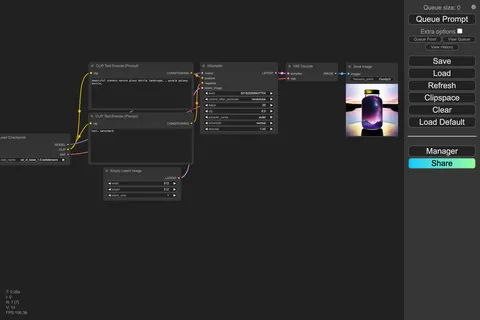
ComfyUI
A node-based workflow builder for advanced image and video generation, ideal for custom pipelines, fine control, and power users.
Web UI · API
Image Generation · Video Generation
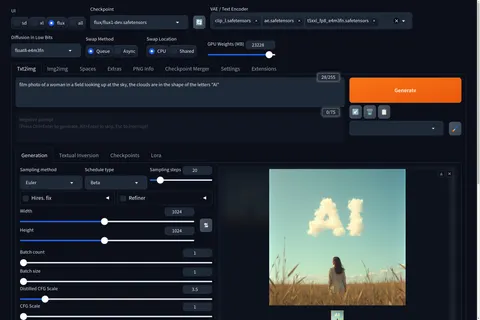
Stable Diffusion WebUI Forge
A faster, more experimental Stable Diffusion WebUI variant focused on improved resource use, quicker inference, and modern model support.
Web UI · API
Image Generation
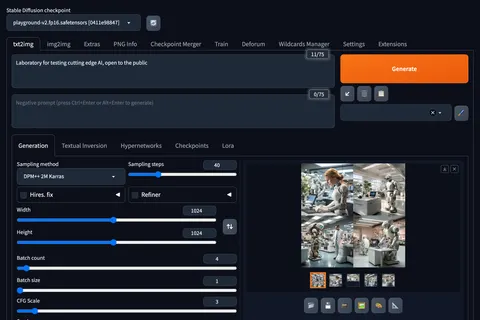
Stable Diffusion Web UI
A full-featured Stable Diffusion interface with deep controls for prompting, inpainting, extensions, and advanced image workflows.
Web UI · API
Image Generation · Video Generation
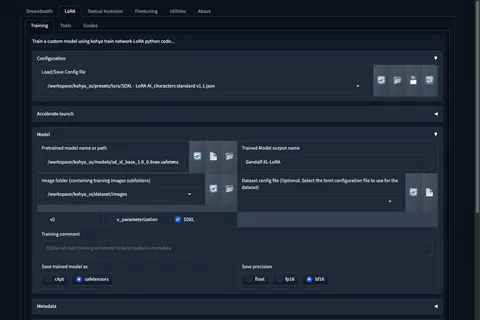
Kohya's GUI
Train LoRAs and fine-tunes for Stable Diffusion and FLUX with a popular GUI for Kohya-based training workflows.
Web UI · API
Fine-Tuning · Image Generation