wavymulder
Analog Diffusion
Downloads
Model Report
Overview
Analog Diffusion is a text-to-image generative model developed using DreamBooth and trained on a wide array of analog photographs to capture and reproduce the distinctive aesthetic of analog film photography. This model aims to deliver images that reflect the color palette, texture, and subtle imperfections characteristic of traditional film, providing users with an accessible means to simulate analog styles within their synthetic image generation workflows. Detailed documentation and official model releases can be found on the Analog Diffusion Hugging Face page.
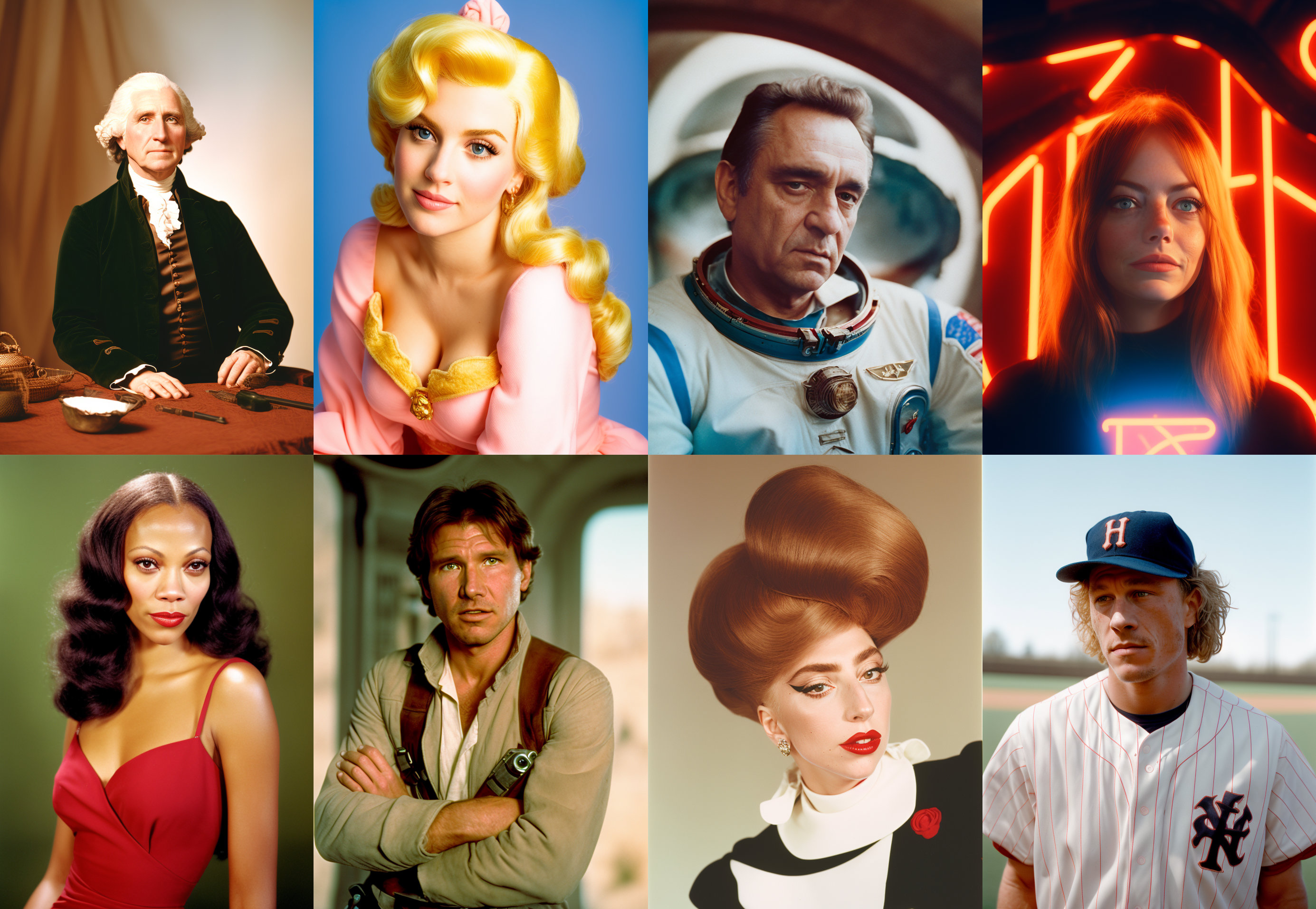
Figure 1. A header collage of eight model outputs, each demonstrating the analog style—featuring both historical and fictional figures, all rendered with distinctive analog film-like softness.
Model Architecture
Analog Diffusion was engineered as a DreamBooth-based model, utilizing Stable Diffusion 1.5 as its foundational architecture. The integration of a Variational Autoencoder (VAE) within this architecture is crucial for encoding images into manageable latent space representations and decoding generated samples back to the image domain. The DreamBooth approach allows Analog Diffusion to specialize in analog visual characteristics by fine-tuning on a dedicated dataset, thereby producing outputs that consistently emulate analog photographic styles.
Training Data and Methodology
The model was trained with a dataset comprised of a diverse range of analog photographic samples. The training methodology centered around DreamBooth fine-tuning, enabling the model to robustly internalize the defining attributes of analog imagery such as grain structures, color shifting, and filmic contrast curves. This targeted approach allows for the simulation of analog effects independent of the subject matter, supporting high versatility in the generated outputs. The creator has shared specifics about the parameters used for example outputs, which include prompt structures and sampler settings.
Key Features and Style Control
The primary feature of Analog Diffusion is its ability to replicate the aesthetic of analog photography on arbitrary text prompts. To invoke this effect, users must include the activation token “analog style” in their prompt. The model provides additional controls for output sharpness and atmospheric haze; by including terms such as “blur” and “haze” in the negative prompt, users can emphasize image clarity, though this may attenuate the analog characteristics. Detailed guidance for prompt engineering is outlined in the model documentation.
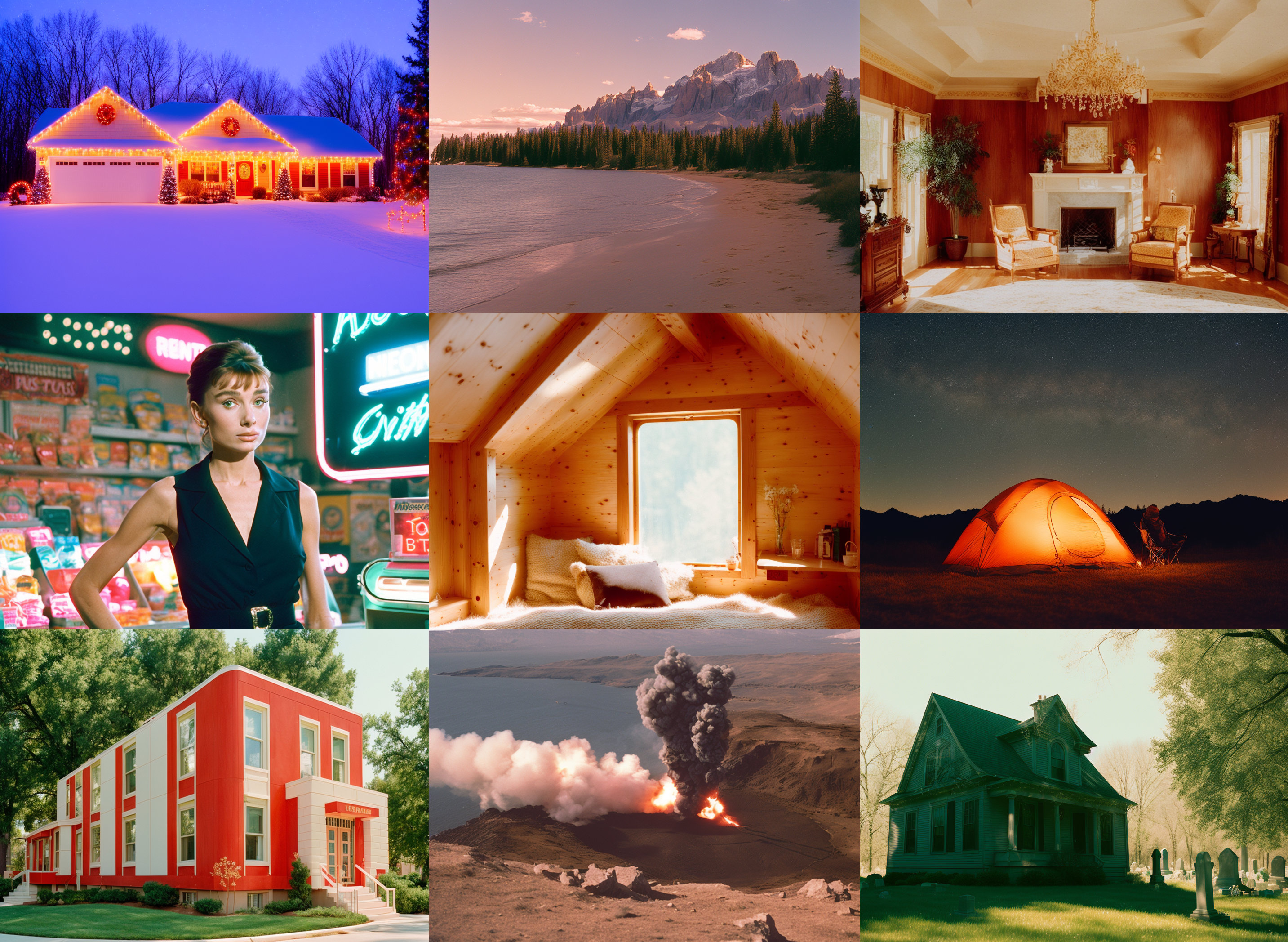
Figure 2. Model-generated grid demonstrating the analog style across environments, from natural scenes and interiors to urban and dramatic landscapes. Prompt: 'analog style, snowy house at dusk, Christmas lights; analog style, volcanic eruption night; analog style, cozy attic room', and others.
Output Diversity and Example Results
Analog Diffusion is designed to handle a broad array of subjects, including portraits, characters, animals, and environments. The model’s stylistic treatment is preserved across these varied scenarios, consistently imparting analog hues, contrast profiles, and film-like artifacts. Representative collages shared by the author display outputs such as cinematic portraits, natural vistas, architectural scenes, and animal studies—all unified by the analog signature. Additional uncurated sample batches are available for review through the non-cherrypicked examples archive.
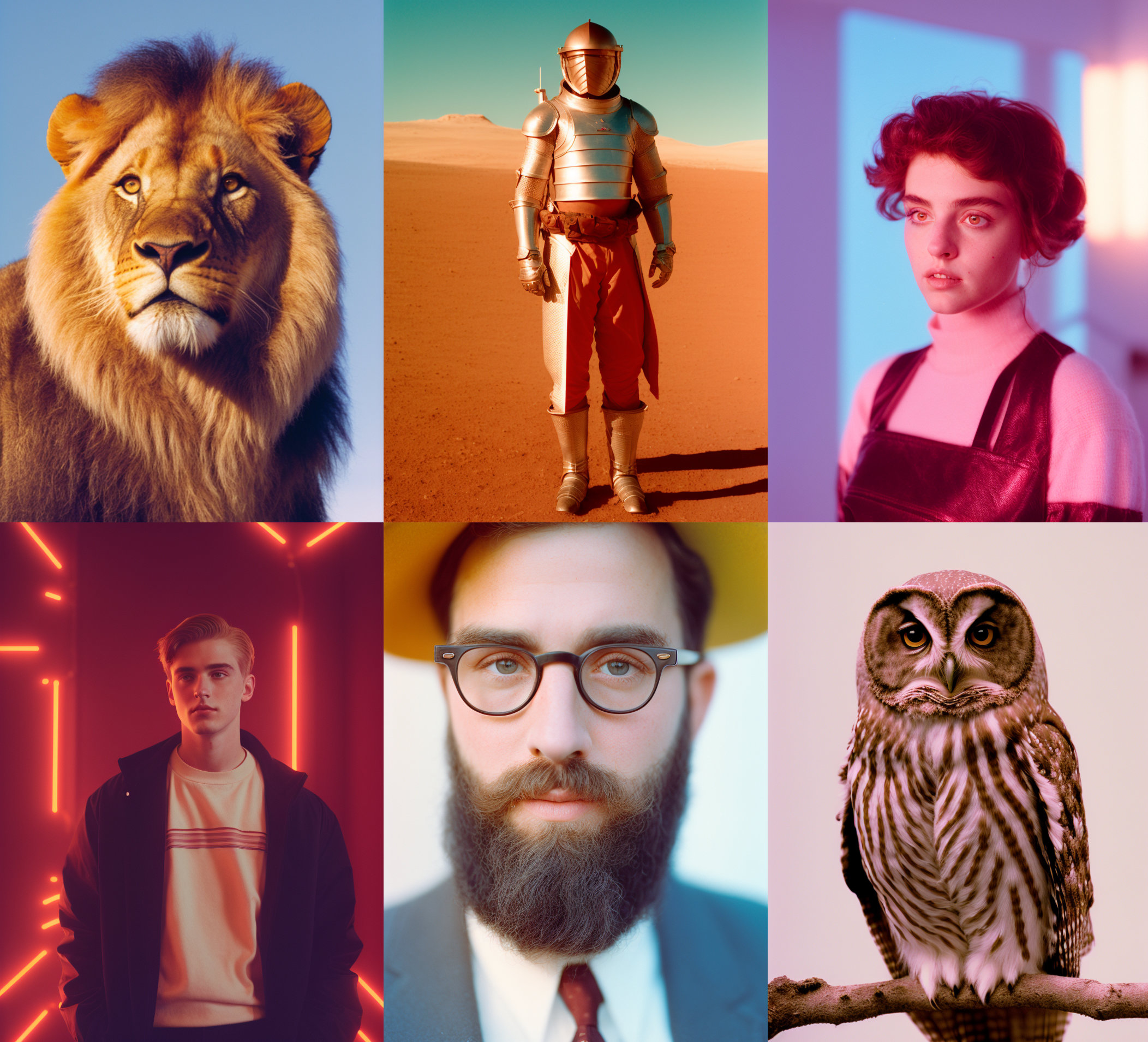
Figure 3. Collage of various subjects generated by Analog Diffusion, including a lion, armored figure, stylized portraits, and an owl, all with strong analog photographic coloration and texture. Prompts included 'analog style, portrait of a lion', 'analog style, person in armor, desert', among others.
Limitations and Considerations
While Analog Diffusion was trained exclusively on analog photographs, it has shown a propensity to generate unintended content in certain prompts. The creator recommends using negative prompting to mitigate the generation of unintended content. Additionally, a trade-off exists between maximizing sharpness (by requesting reduced haze and blur) and the preservation of analog authenticity, as increased clarity may diminish the intended filmic effect. Further technical notes and clarification on usage are detailed in the official documentation and release notes.
Applications
The model is suitable for creative text-to-image tasks where an authentically analog appearance is desired, such as concept art, synthetic photography, and digital moodboarding. The creator provides a user-accessible Gradio-based interface that allows real-time experimentation with prompts and style parameters. For technical integration, the model checkpoint is freely available for direct download, facilitating research and offline inference as required.
External Resources
More in the Stable Diffusion 1 Family
Stable Diffusion 1.1
Stable Diffusion 1.5
OpenJourney v4
Photon
Juggernaut
Dreamshaper
Realistic Vision
Meina Mix
epiCRealism
Absolute Reality
Cyber Realistic
MajicMIX Realistic
epiCPhotoGasm
ControlNet SD 1.5 Canny
ControlNet SD 1.5 IP2P
ControlNet SD 1.5 Depth
ControlNet SD 1.5 MLSD
ControlNet SD 1.5 Normal
ControlNet SD 1.5 Open Pose
ControlNet SD 1.5 Scribble
ControlNet SD 1.5 Segmentation
ControlNet SD 1.5 Soft Edge
ControlNet SD 1.5 Inpaint
ControlNet SD 1.5 Line Art
ControlNet SD 1.5 Lineart Anime
ControlNet SD 1.5 Shuffle
ControlNet SD 1.5 Tile
ControlNet 1.5 IP Adapter
ControlNet 1.5 QR Code
Compatible Apps
ComfyUI
A node-based workflow builder for advanced image and video generation, ideal for custom pipelines, fine control, and power users.
Web UI · API
Image Generation · Video Generation
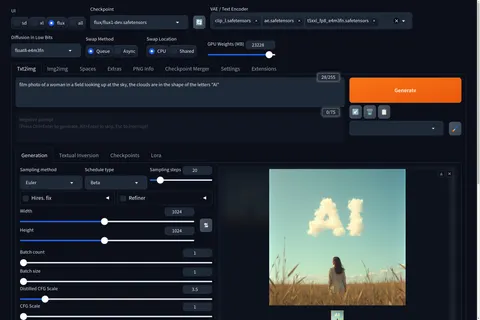
Stable Diffusion WebUI Forge
A faster, more experimental Stable Diffusion WebUI variant focused on improved resource use, quicker inference, and modern model support.
Web UI · API
Image Generation
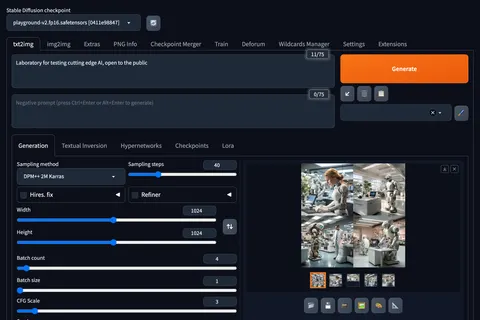
Stable Diffusion Web UI
A full-featured Stable Diffusion interface with deep controls for prompting, inpainting, extensions, and advanced image workflows.
Web UI · API
Image Generation · Video Generation
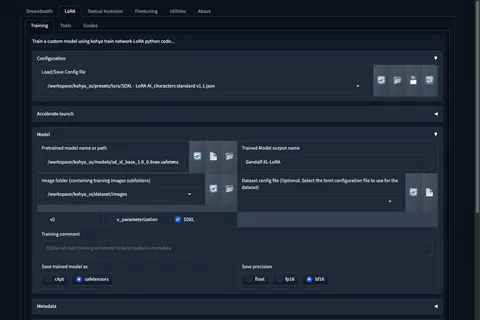
Kohya's GUI
Train LoRAs and fine-tunes for Stable Diffusion and FLUX with a popular GUI for Kohya-based training workflows.
Web UI · API
Fine-Tuning · Image Generation