epinikion
epiCRealism
Downloads
Model Report
Overview
epiCRealism is a photorealistic generative AI model designed to produce high-quality, realistic images, especially in the domains of portraiture and realistic representations of human subjects. Developed by "epinikion," the model builds on Stable Diffusion 1.5, offering refined capabilities for synthetically generating images with natural light, shadow, and detailed textures. It is widely used for generating images of people, including diverse faces and expressive scenes, while maintaining versatility across both digital analog and general realism styles. epiCRealism has undergone several updates, each iteration improving performance, realism, and user control.
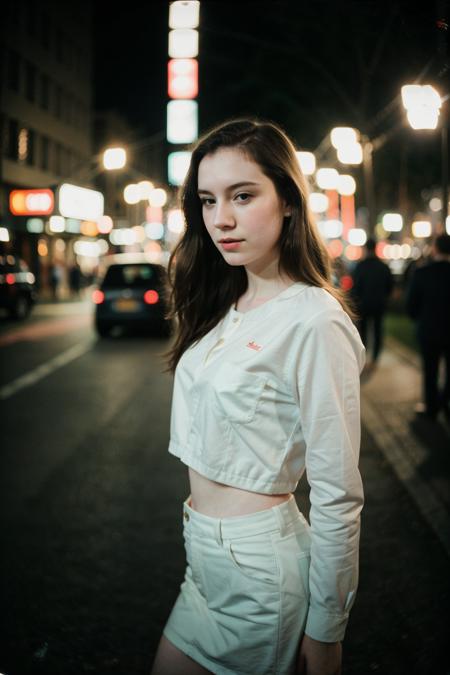
Figure 1. A sample output from epiCRealism, displaying its capability for photorealistic portrait generation. Prompt information not provided.
Model Architecture and Technology
epiCRealism is constructed as a fine-tuned checkpoint based on the Stable Diffusion 1.5 architecture, utilizing advances in latent diffusion modeling for efficient and high-fidelity image synthesis. The primary distribution format is SafeTensor, and the main checkpoint weighs approximately 1.99 GB in fp16 "pruned" format. The model incorporates a Variational AutoEncoder (VAE) for enhanced color vibrancy, though later versions can also operate without one. Multiple versions of the model have been released, each introducing refinements such as improved facial diversity, hand rendering, and more accurate prompt adherence.
epiCRealism's checkpoint-trained approach belongs to the category of Dreambooth-style fine-tuning, enabling the model to capture nuanced realism and enabling customization or integration with compatible tools such as ControlNet and advanced upscalers. The underlying datasets and specific training techniques are not publicly disclosed, but the developer has indicated an emphasis on natural diversity during data curation.
Features and Performance
The model is recognized for its photorealism, generating images with naturalistic light and shadow, detailed facial expressions, and lifelike textures. Notable improvements in the RC1 version address prior challenges in producing varied, non-repetitive faces and in rendering anatomically correct hands. The inclusion of inpainting and pix2pix variants further expands creative flexibility, supporting localized edits and transformation tasks.
epiCRealism is widely utilized for digital portraiture, particularly images featuring women and realistic analog styles. The model is capable of producing expressive scenes with varied demographics and settings, supporting applications in digital art, character visualization, and photorealistic scene generation.
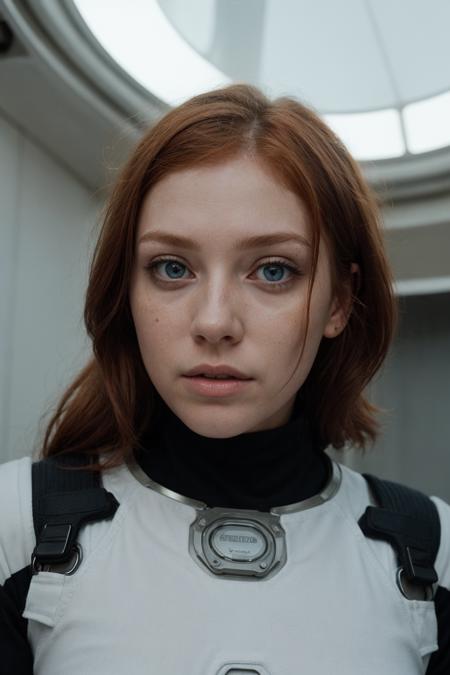
Figure 2. A photorealistic output from epiCRealism, demonstrating its ability to render detailed characters and intricate attire. Prompt not provided.
Performance metrics indicate high adoption and community approval, with over 749,800 downloads overall, and more than two million downloads for the 'Natural Sin Final' version alone. The model has accumulated over 25,000 likes and is consistently described as "overwhelmingly positive" by reviewers. These metrics reflect widespread use in the generative AI community, although they are not direct indicators of technical benchmark comparisons.

Figure 3. Sample epiCRealism output illustrating photorealistic depiction across ages and complex lighting.
Version History and Development
epiCRealism has undergone several development stages, marked by the introduction of various versions. The RC1 release introduced a focus on "ordinary faces" and greater facial diversity, along with improvements in rendering hands. The 'Natural Sin Final' version aimed to further optimize prompt understanding and overall realism, and was described by its creator as the likely culmination of the SD1.5-based line in anticipation of future developments in the generative AI field.
In addition to the mainline versions, the developer has produced inpainting checkpoints for localized image editing, a pix2pix version for style transformation tasks, and incremental "pure Evolution" releases addressing color and prompt guidance. Each iteration reflects community feedback, with adjustments to output diversity, prompt sensitivity, and artifact reduction.
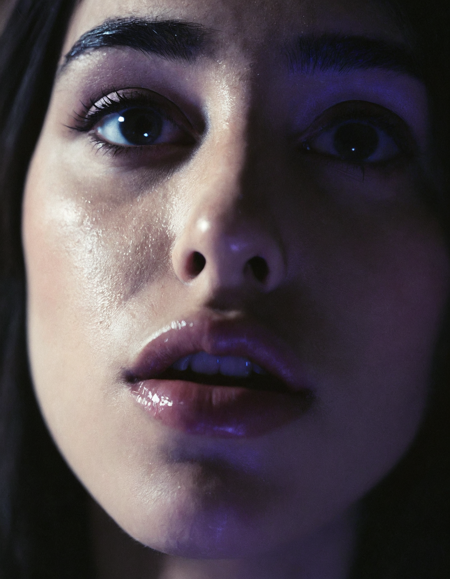
Figure 4. A highly detailed close-up, demonstrating the model's intricate handling of skin, gloss, and lighting effects.
Usage Recommendations
For optimal results with epiCRealism, users are encouraged to begin with straightforward prompts, describing the desired image in clear terms. The model is calibrated to achieve realistic results without extensive keyword augmentation—explicit descriptors such as "masterpiece," "8k," or "intricate detail" are generally unnecessary and may not significantly enhance output quality. Recommended prompt settings for the 'Natural Sin Final' version include a negative prompt that excludes artistic, cartoon, or render-related terminology, as well as a denoising value of approximately 0.35 for upscaling operations. A configuration of 20 or more sampling steps and a CFG scale of 5 yield a natural image appearance in most scenarios.
Upscaling is often performed using models such as 4x_NMKD-Superscale-SP_178000_G, selected for their preservation of photorealistic texture. Compatible extensions like ControlNet and After Detailer are commonly used in workflows that require fine local control over image composition.
Limitations and Known Issues
While epiCRealism addresses many challenges in photorealistic synthesis, some limitations have been observed. Earlier versions sometimes produced images with limited facial variety, resulting in similar facial features across different outputs. The RC1 version was introduced specifically to counteract this issue. Prompt sensitivity has also varied between versions, with RC1 noted for less precise prompt adherence. The effect of the VAE component is optional in the latest versions—while it may provide more vibrant colors, its influence is often subtle.
Model Family and Related Work
epiCRealism is part of a suite of models created by epinikion, encompassing different visual styles and technical bases. Related checkpoints include epiCRealism XL, which adapts the approach to the SDXL architecture, epiCCartoon for cartoon-style synthesis, and epiCPhotoGasm, which explores alternative photorealistic strategies. Each shares a common lineage but is fine-tuned to distinct use cases and stylistic demands.
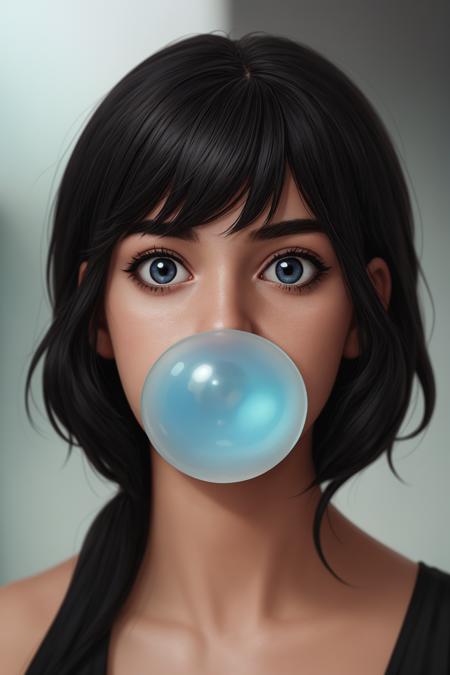
Figure 5. Sample output from epiCCartoon, a related model by the same creator, demonstrating stylistic diversity in the family.
Licensing and Distribution
epiCRealism is released under the CreativeML Open RAIL-M license, which governs responsible use and distribution of the model. Certain addenda may apply, as noted in the official release documentation. Community resources provide further information on model types and licensing implications.
External Resources
- epiCRealism model page and gallery
- CreativeML Open RAIL-M License
- Recommended 4x_NMKD-Superscale-SP_178000_G Upscaler on upscale.wiki
- After Detailer extension on GitHub
- ControlNet extension on GitHub
- Agent Scheduler extension on GitHub
- Ultimate SD Upscale for Automatic1111 on GitHub
- Civitai guide to model types and checkpoints
- Info on Stable Diffusion 1.5 base model (YouTube)
More in the Stable Diffusion 1 Family
Stable Diffusion 1.1
Stable Diffusion 1.5
OpenJourney v4
Photon
Juggernaut
Analog Diffusion
Dreamshaper
Realistic Vision
Meina Mix
Absolute Reality
Cyber Realistic
MajicMIX Realistic
epiCPhotoGasm
ControlNet SD 1.5 Canny
ControlNet SD 1.5 IP2P
ControlNet SD 1.5 Depth
ControlNet SD 1.5 MLSD
ControlNet SD 1.5 Normal
ControlNet SD 1.5 Open Pose
ControlNet SD 1.5 Scribble
ControlNet SD 1.5 Segmentation
ControlNet SD 1.5 Soft Edge
ControlNet SD 1.5 Inpaint
ControlNet SD 1.5 Line Art
ControlNet SD 1.5 Lineart Anime
ControlNet SD 1.5 Shuffle
ControlNet SD 1.5 Tile
ControlNet 1.5 IP Adapter
ControlNet 1.5 QR Code
Compatible Apps
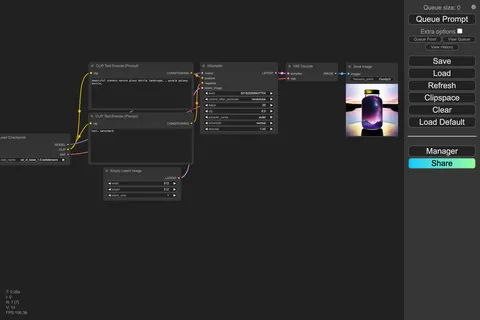
ComfyUI
A node-based workflow builder for advanced image and video generation, ideal for custom pipelines, fine control, and power users.
Web UI · API
Image Generation · Video Generation
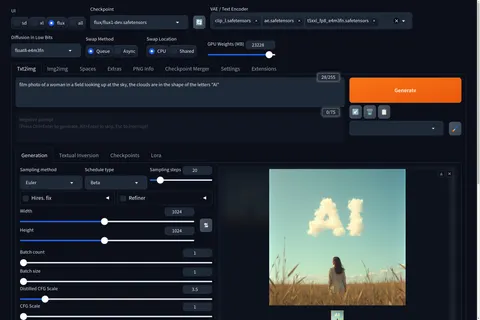
Stable Diffusion WebUI Forge
A faster, more experimental Stable Diffusion WebUI variant focused on improved resource use, quicker inference, and modern model support.
Web UI · API
Image Generation
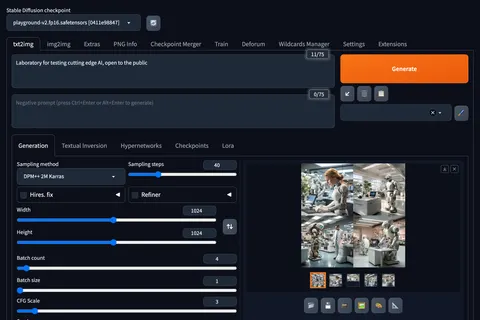
Stable Diffusion Web UI
A full-featured Stable Diffusion interface with deep controls for prompting, inpainting, extensions, and advanced image workflows.
Web UI · API
Image Generation · Video Generation

Kohya's GUI
Train LoRAs and fine-tunes for Stable Diffusion and FLUX with a popular GUI for Kohya-based training workflows.
Web UI · API
Fine-Tuning · Image Generation