Lykon
Dreamshaper
Downloads
Model Report
Overview
DreamShaper is a generative artificial intelligence model developed by Lykon, designed for versatile image synthesis across a wide spectrum of artistic styles. Built upon the Stable Diffusion 1.5 architecture, DreamShaper has become notable within the generative art community for enabling both photorealistic and highly stylized outputs, encompassing genres from realism and landscapes to anime and 3D-inspired compositions. The model is open source, distributed under the CreativeML Open RAIL-M license with an additional model-specific addendum, granting broad but responsible usage rights as detailed in the DreamShaper license addendum.
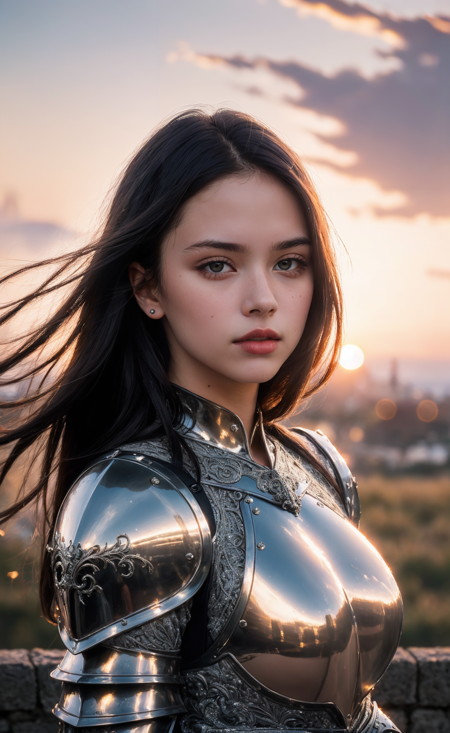
Figure 1. A hyperrealistic portrait of a young woman in reflective medieval armor, generated by DreamShaper using a prompt including 'masterpiece', 'extremely intricate', 'realistic', and 'medieval armor'. This image demonstrates the model's proficiency in creating detailed character renderings with complex lighting.
Development and Version History
DreamShaper has undergone continuous refinement since its original release on July 29, 2023, as recorded in its public changelogs. Each version has introduced targeted improvements in style diversity, rendering fidelity, and compatibility with community tools.
The initial release (Version 1) was tailored for generating painted-style portraits and backgrounds. Subsequent updates such as Version 3.32 integrated technical fixes, such as the "clip fix", to address latent inconsistencies in image generation. Notably, Version 4 significantly enhanced anime-style synthesis, particularly in conjunction with booru tags, and improved anatomical accuracy at lower resolutions.
With Version 5, DreamShaper incorporated noise offset techniques to further advance photorealism. Versions 6.x expanded LoRA (Low Rank Adaptation) support and facilitated generation at resolutions up to 1024 pixels in height, while also introducing dedicated inpainting variants. Version 7 offered refinements in realism, including improved facial structure rendering.
The latest major release, Version 8 (also referred to as V∞), has continued to optimize the balance between photorealism and stylization, with particular attention to character LoRA compatibility and broader handling of diverse artistic prompts. Version 8 aims to streamline both highly realistic and stylized image generation workflows while maintaining procedural flexibility, as documented in the model release notes.

Figure 2. A photorealistic white mecha robot with intricate mechanical details and a flowing dark cape, exemplifying DreamShaper’s capability for detailed and dynamic mechanical concept art. Generated using the prompt: 'cgmech, realistic, white mecha robot, armor'.
Model Architecture and Technical Features
DreamShaper is fundamentally based on Stable Diffusion 1.5, employing a latent diffusion process to convert textual prompts into high-quality, high-resolution images. The model’s architecture emphasizes extensibility, supporting advanced community tools such as LoRA for style adaptation, ControlNet, and Latent Consistency Models (LCM).
Several model variants are available, including "baked VAE" checkpoints, no-VAE or pruned versions, and dedicated modules for inpainting and outpainting tasks. Inpainting variants—designated as "inpainting" models—are specialized for localized image editing rather than full-text-to-image synthesis.
For scenarios requiring accelerated inference, DreamShaper offers LCM versions optimized for faster generation, suitable for real-time or video applications, albeit at a modest reduction in output fidelity compared to the primary model.
DreamShaper models are typically distributed in the SafeTensor format, which promotes security and compatibility during model deployment and usage.
Artistic Range and Output Styles
A core design objective for DreamShaper is versatility across a wide array of genres. The model reliably generates photorealistic portraits, intricate character designs, dynamic mechanical subjects, and detailed landscapes. It also excels at stylized output, including anime, illustration, and cinematic concepts.
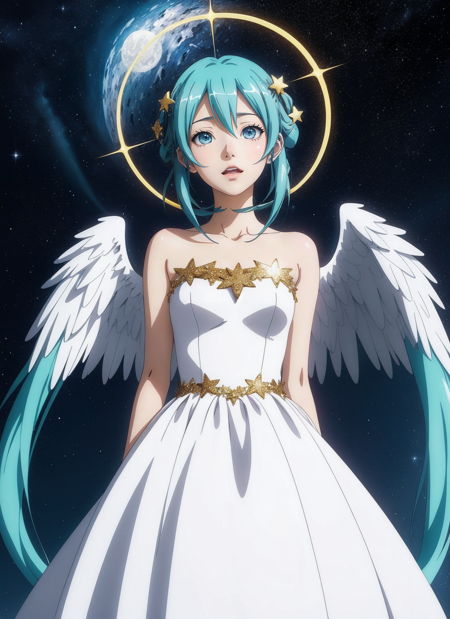
Figure 3. Anime portrait of Hatsune Miku as an angel, produced by DreamShaper with a prompt emphasizing 'anime coloring, anime screencap, ghibli, mappa, anime style' and attributes like 'white gown, angel wings, golden halo'. This example demonstrates the model’s proficiency in anime and stylized illustration synthesis.
DreamShaper’s outputs are further enhanced through compatibility with a broad array of community-generated resources. For example, users can integrate specialized LoRA networks to fine-tune the rendering of specific attributes or aesthetics, leveraging guidance from resources such as the Anime Screencap Style LoRA.
The model’s adaptability is evident in its ability to render both highly realistic and artistically stylized content with minimal intervention, supporting creative workflows ranging from fine art to digital concept design.
Usage Practices and Limitations
Optimal usage of DreamShaper depends on task requirements and user expertise. For highest output quality, many practitioners employ techniques such as highres.fix or image-to-image workflows at elevated resolutions. The model supports CLIP skip 2, and setting ENSD to 31337 can help approach deterministic results, although minor variation may persist between runs.
When working with LCM versions, recommended settings include low step counts (typically 5–15) and a CFG (Classifier Free Guidance) scale around 2, as outlined in the LCM documentation. A negative embedding, referred to as "Bad Dream," is also available to improve suppression of undesirable visual artifacts.
Certain limitations apply. Inpainting model variants are restricted to localized edits and are unsuitable for text-to-image or model mixing uses. LCM versions trade off some image quality for inference speed, and users may encounter subtle facial homogenization when applying ADetailer enhancement. Achieving the highest degree of photorealism or specific anime stylization can require domain-specific prompt crafting or the use of tailored LoRA resources, especially when compared to specialized models such as AbsoluteReality.
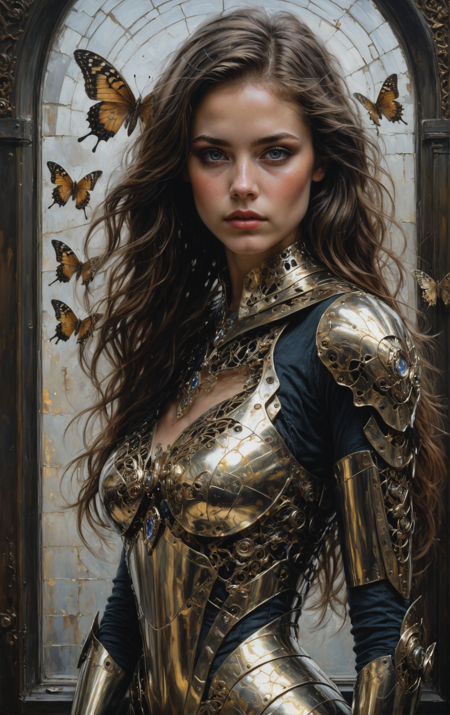
Figure 4. Output generated by DreamShaper XL, an SDXL-based variant, showcasing complex armor details and natural elements in a painterly style.
Model Family and Related Resources
DreamShaper constitutes part of a broader family of generative models developed by Lykon. Notable related models include DreamShaper XL, which is based on the SDXL architecture and designed for high capacity and larger image generations, and AbsoluteReality, a model optimized specifically for photo-realistic synthesis. Additionally, Lykon has released the 3D Animation Diffusion checkpoint, supporting the creation of stylized 3D-like renders.
The DreamShaper project maintains a strong emphasis on open-source principles, with extensive documentation and a collaborative community presence. Source distributions and technical documentation are accessible through the official HuggingFace repository.
Licensing and Governance
DreamShaper is distributed under the CreativeML Open RAIL-M license, which establishes conditions for responsible and ethical use, supplemented by a model-specific license addendum outlining additional terms.
The model and its variants are openly available for research, educational, and creative purposes, fostering a broad ecosystem of downstream applications and derivative works.
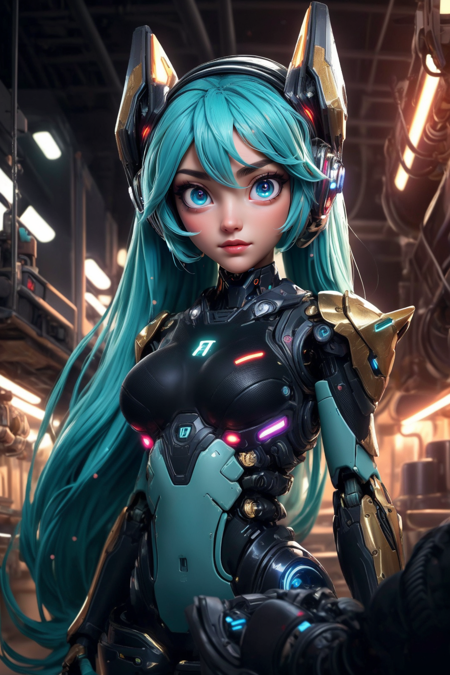
Figure 5. A sample portrait associated with 3D Animation Diffusion, a related model by Lykon, featuring Hatsune Miku as a robot with detailed mechanical elements.
Further Resources
For further details on DreamShaper’s development, features, and community best practices, consult the following resources:
- DreamShaper official model page and release history
- Official HuggingFace Model Repository
- CreativeML Open RAIL-M License
- DreamShaper License Addendum
- DreamShaper XL (SDXL-based model)
- AbsoluteReality (realism-focused model)
- Anime Screencap Style LoRA
- Bad Dream negative embedding resource
- Guide to model usage and community tools
More in the Stable Diffusion 1 Family
Stable Diffusion 1.1
Stable Diffusion 1.5
OpenJourney v4
Photon
Juggernaut
Analog Diffusion
Realistic Vision
Meina Mix
epiCRealism
Absolute Reality
Cyber Realistic
MajicMIX Realistic
epiCPhotoGasm
ControlNet SD 1.5 Canny
ControlNet SD 1.5 IP2P
ControlNet SD 1.5 Depth
ControlNet SD 1.5 MLSD
ControlNet SD 1.5 Normal
ControlNet SD 1.5 Open Pose
ControlNet SD 1.5 Scribble
ControlNet SD 1.5 Segmentation
ControlNet SD 1.5 Soft Edge
ControlNet SD 1.5 Inpaint
ControlNet SD 1.5 Line Art
ControlNet SD 1.5 Lineart Anime
ControlNet SD 1.5 Shuffle
ControlNet SD 1.5 Tile
ControlNet 1.5 IP Adapter
ControlNet 1.5 QR Code
Compatible Apps
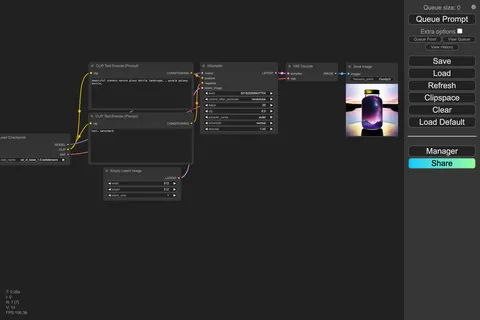
ComfyUI
A node-based workflow builder for advanced image and video generation, ideal for custom pipelines, fine control, and power users.
Web UI · API
Image Generation · Video Generation
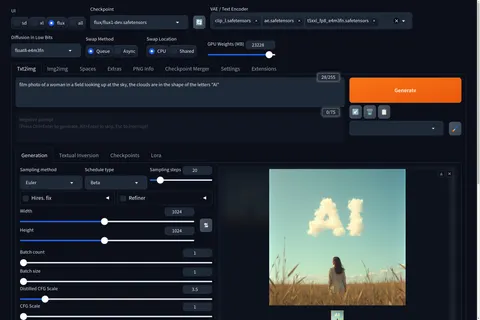
Stable Diffusion WebUI Forge
A faster, more experimental Stable Diffusion WebUI variant focused on improved resource use, quicker inference, and modern model support.
Web UI · API
Image Generation
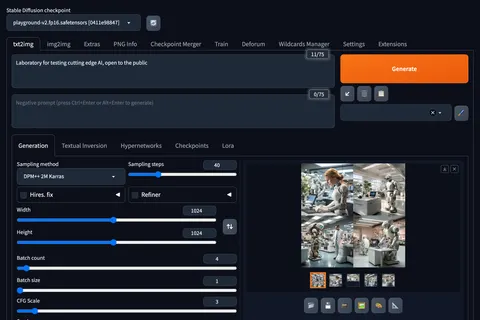
Stable Diffusion Web UI
A full-featured Stable Diffusion interface with deep controls for prompting, inpainting, extensions, and advanced image workflows.
Web UI · API
Image Generation · Video Generation
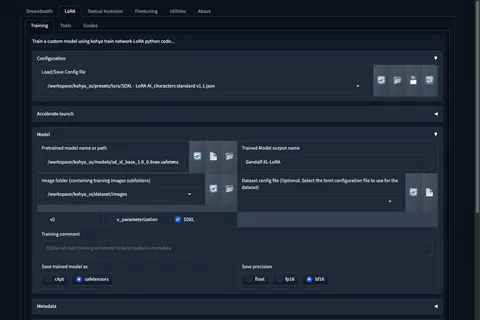
Kohya's GUI
Train LoRAs and fine-tunes for Stable Diffusion and FLUX with a popular GUI for Kohya-based training workflows.
Web UI · API
Fine-Tuning · Image Generation