stabilityai
ControlNet SDXL Canny
Released
2023-08-29
Family
Stable Diffusion XL
Type
ControlNet Model
Downloads
Model Report
Overview
ControlNet SDXL Canny is a generative AI model within the ControlNet 1.1 family, designed to introduce precise structural guidance to image synthesis using Canny edge maps in conjunction with Stable Diffusion. Leveraging edge-detected representations, ControlNet SDXL Canny allows for constrained yet creative image generation, ensuring outputs remain faithful to the shape and contours specified by the provided edge image. The model's implementation, architecture, and datasets have been developed to promote image quality, robustness, and adaptability across a breadth of artistic and technical applications.
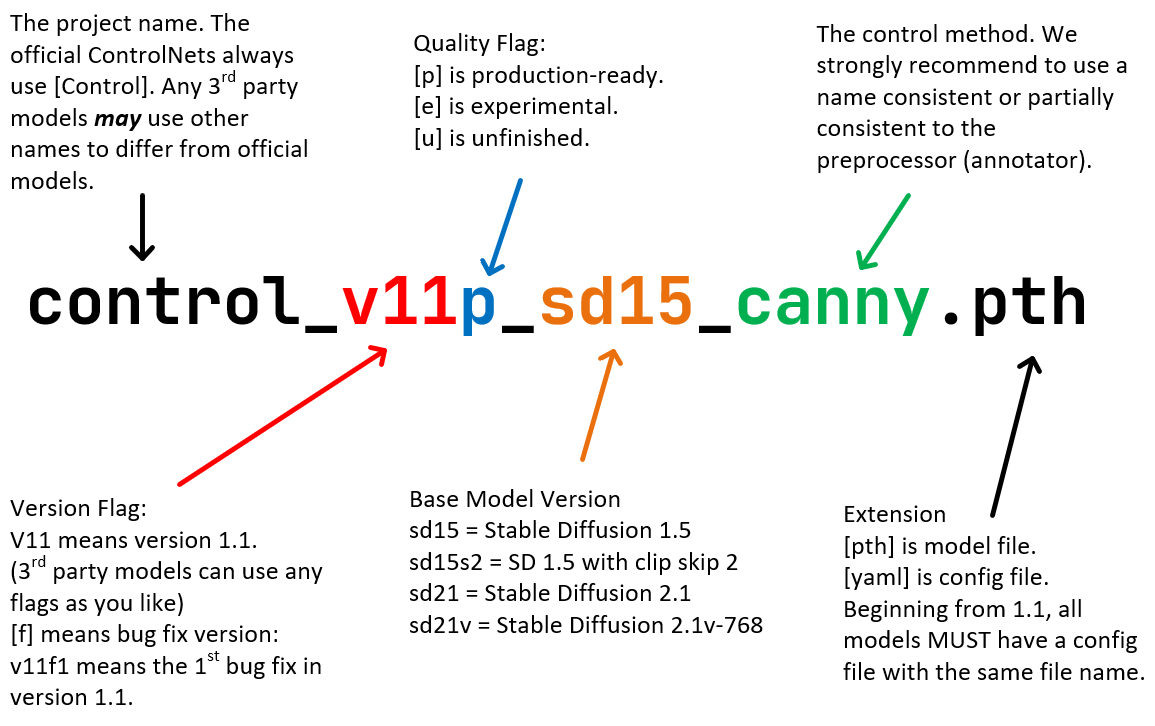
Figure 1. Diagram illustrating the Standard ControlNet Naming Rules (SCNNRs), including the naming structure for ControlNet 1.1 Canny and related models.
Model Architecture and Training Procedure
ControlNet SDXL Canny maintains architectural parity with the original ControlNet 1.0 framework, as outlined in the official documentation. The model integrates with the Stable Diffusion image synthesis pipeline, introducing an additional pathway that accepts structural control data—in this instance, the output of the Canny edge detection algorithm—alongside standard text prompts. This edge map is processed through an encoder, the output of which is global average pooled before being merged at intermediate layers within the U-Net backbone of Stable Diffusion.
The Canny model was further refined from its predecessor through continued training, benefitting from an extended session on high-performance hardware—specifically, 72 hours utilizing eight NVIDIA A100 80GB GPUs at a batch size of 256. This computational investment aimed to enhance model robustness and visual quality. During training, Canny edge maps were generated with variable thresholds and paired with high-quality, prompt-annotated images. To improve generalization, data augmentations such as random horizontal flipping were employed. Several known issues in the earlier dataset, including duplication of certain image modalities and corrupted data, were carefully addressed, resulting in a cleaner and more representative data distribution.
Technical Features and Control Capabilities
The defining feature of ControlNet SDXL Canny is its ability to harness edge information for tightly constrained image synthesis. By conditioning the generative process on a Canny edge map, the model ensures that the resulting images adhere closely to the key contours and shapes defined by the user. This facilitates a variety of applications, such as reconstructing images from scanned line art, transforming technical blueprints into photorealistic renders, or enabling precise style transfer while preserving essential form.
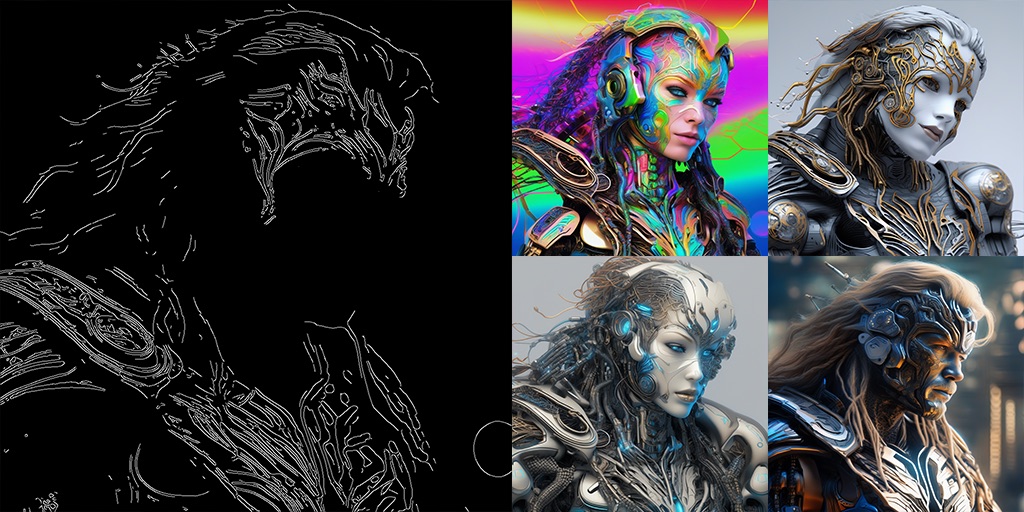
Figure 2. Demonstration of Canny edge-guided generation: The left shows a Canny edge map, while the right displays four stylized outputs synthesized by the model from the detected edge contours. (Prompt unavailable.)
The model’s structure enables multi-condition input, allowing for the use of several ControlNets simultaneously. This feature broadens the creative possibilities by supporting parallel guidance signals, such as blending edge constraints with segmentation maps, pose estimation, or other modalities. Operational details for using multi-ControlNet setups are elaborated in the ControlNet documentation.
Model Performance and Use Cases
ControlNet SDXL Canny was designed to provide enhancements in robustness and subjective perceptual quality. Although no quantitative benchmarks have been formally published, developer insights include observations of its fidelity and reliability during image generation. Practical applications extend across a spectrum of domains, including image reconstruction, stylization with strict geometric adherence, blueprint interpretation, and technical visualization.
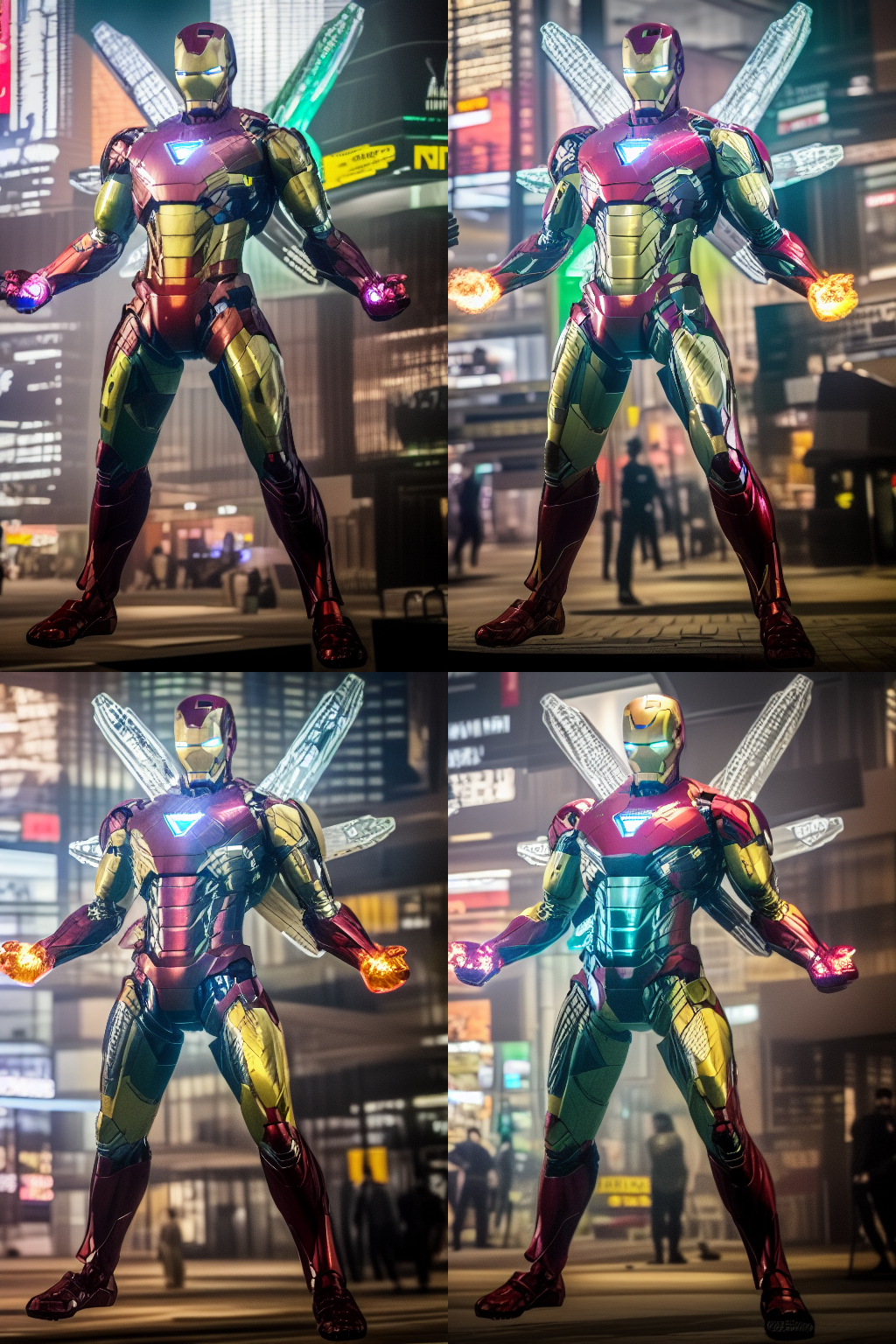
Figure 3. Generated outputs showing the effect of combined Canny and Shuffle ControlNets on image realism and stylistic diversity in a photorealistic setting. (Prompt unavailable.)
In practice, users can employ the model for tasks requiring high-fidelity adherence to structure, with the outputs often serving production environments in visual design, digital artistry, and technical illustration.
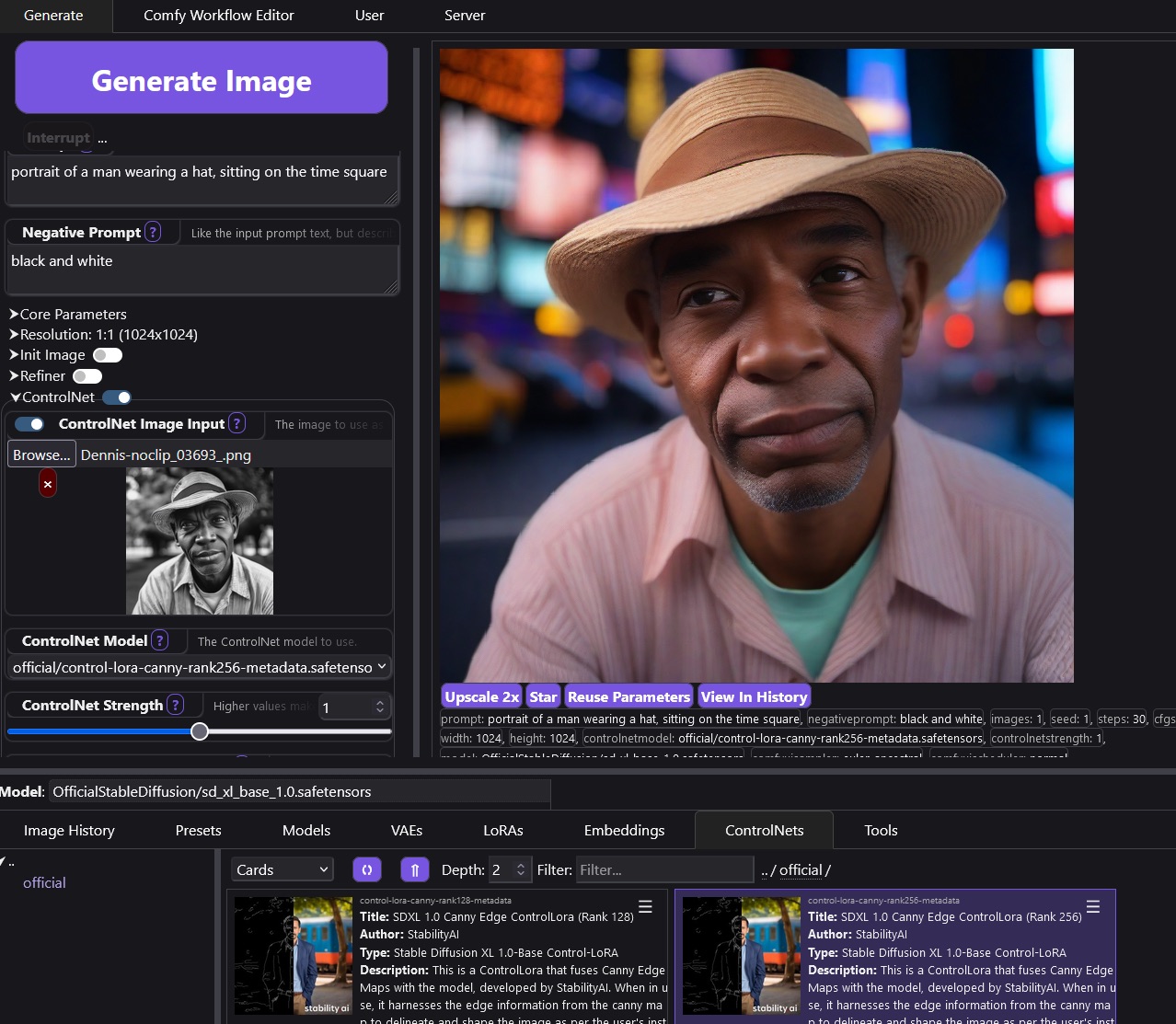
Figure 4
Integration, Installation, and Related Models
ControlNet SDXL Canny is provided as part of the broader ControlNet 1.1 model suite, each model following the Standard ControlNet Naming Rules (SCNNRs). The Canny model specifically requires the relevant model and configuration files—typically named control_v11p_sd15_canny.pth and control_v11p_sd15_canny.yaml—alongside a compatible version of Stable Diffusion (such as Stable Diffusion 1.5). Official integration and multi-model interoperability are supported through the sd-webui-controlnet extension, which permits the orchestration of multiple conditioning models within user workflows.
Within the 1.1 release, a total of 14 models were introduced, addressing a wide range of guidance modalities. These include depth maps (ControlNet Depth), normal maps (ControlNet Normal), straight lines, scribbles, soft edges, semantic segmentation, pose estimation, line art, anime-specific line art, content shuffling, inpainting, and tile-based upscaling or enhancement. Each model is tailored to leverage a specific annotation or structured control input, while sharing core architectural consistency for ease of use and extensibility.
Limitations and Considerations
The developers note that ControlNet SDXL Canny, like other ControlNet models, is not directly provided as an extension for all Stable Diffusion user interfaces; users are advised to consult the sd-webui-controlnet repository for guidance on proper integration. Certain related models in the family (such as Shuffle, InstructPix2Pix, and Tile) are considered experimental and may require further curation or exhibit varying output stability.
The architecture’s reliance on precise edge map inputs makes it sensitive to the quality and relevance of those inputs. The model's ability to generalize beyond the contours defined by the edge map is deliberately constrained, which is desirable for some use cases but may limit flexibility in others. Requirements such as specific base model checkpoints or compatibility with certain prompt structures should be considered prior to deployment.
External Links and Resources
- ControlNet 1.1 GitHub Repository
- ControlNet A1111 Plugin
- ControlNet 1.1 Models on Hugging Face
- Stable Diffusion 1.5 Model
- ControlNet Annotator Models
- Standard ControlNet Naming Rules Documentation
- Multi-ControlNet Example
- Bae's Normalmap Method
- Instruct Pix2Pix Dataset
- ScanNet Protocol for Normal Map Interpretation
More in the Stable Diffusion XL Family
Stable Diffusion XL
SDXL Turbo
SDXL Lightning
OpenDalle
Yamer's Realistic
AlbedoBase XL
Juggernaut XL
Realistic Vision XL
New Reality XL
Realism Engine SDXL
Animagine XL
Nightvision XL
Dreamshaper XL
Pony Diffusion V6 XL
ControlNet SDXL Diffusers Canny
ControlNet SDXL Diffusers Depth
ControlNet SDXL Depth
ControlNet SDXL Recolor
ControlNet SDXL IP Adapter
ControlNet SDXL Open Pose
More from stabilityai
Stable Video Diffusion
Stable Video Diffusion XT
Stable Video Diffusion XT 1.1
Stable Video 3D
Stable Video 4D
Stable Fast 3D
Stable Diffusion 2
Stable Diffusion 1.1
Stable Diffusion 1.5
Stable Diffusion 3.5 Large
Stable Diffusion 3.5 Turbo
Stable Cascade Stage A
Stable Cascade Stage B
Stable Cascade Stage C
Stable Audio Open 1.0
Compatible Apps
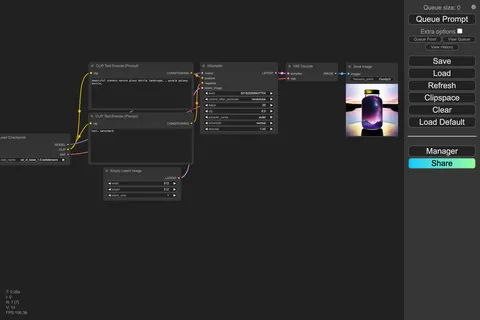
ComfyUI
A node-based workflow builder for advanced image and video generation, ideal for custom pipelines, fine control, and power users.
Web UI · API
Image Generation · Video Generation
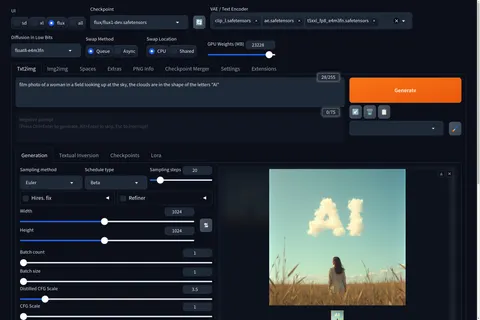
Stable Diffusion WebUI Forge
A faster, more experimental Stable Diffusion WebUI variant focused on improved resource use, quicker inference, and modern model support.
Web UI · API
Image Generation
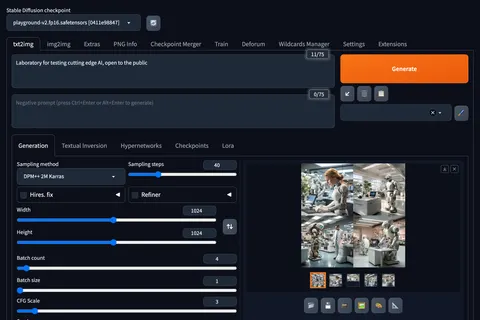
Stable Diffusion Web UI
A full-featured Stable Diffusion interface with deep controls for prompting, inpainting, extensions, and advanced image workflows.
Web UI · API
Image Generation · Video Generation
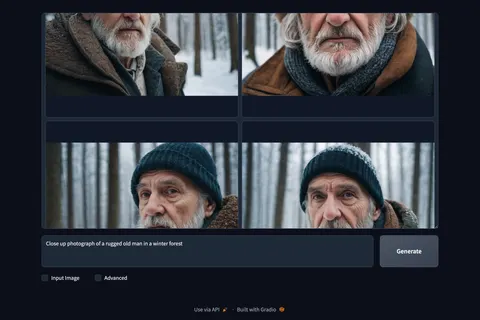
Fooocus
A beginner-friendly image generator focused on strong defaults, with built-in inpainting, outpainting, upscaling, and image prompting.
Web UI · API
Image Generation · Beginner Friendly
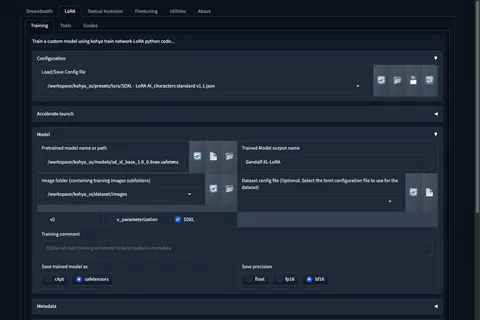
Kohya's GUI
Train LoRAs and fine-tunes for Stable Diffusion and FLUX with a popular GUI for Kohya-based training workflows.
Web UI · API
Fine-Tuning · Image Generation