diffusers
ControlNet SDXL Diffusers Canny
Released
2023-08-23
Family
Stable Diffusion XL
Type
ControlNet Model
Downloads
Model Report
Overview
ControlNet SDXL Diffusers Canny is a neural network model from the ControlNet 1.1 family, designed to provide control over image generation processes by conditioning Stable Diffusion models on Canny edge maps. Building upon the architecture established in ControlNet 1.0, the 1.1 release introduces improvements in data quality, training methodology, and output robustness, while maintaining architectural consistency for compatibility and reliability. ControlNet 1.1 encompasses a suite of models, with the Canny model being one for guiding image synthesis based on prominent edge features in source images.
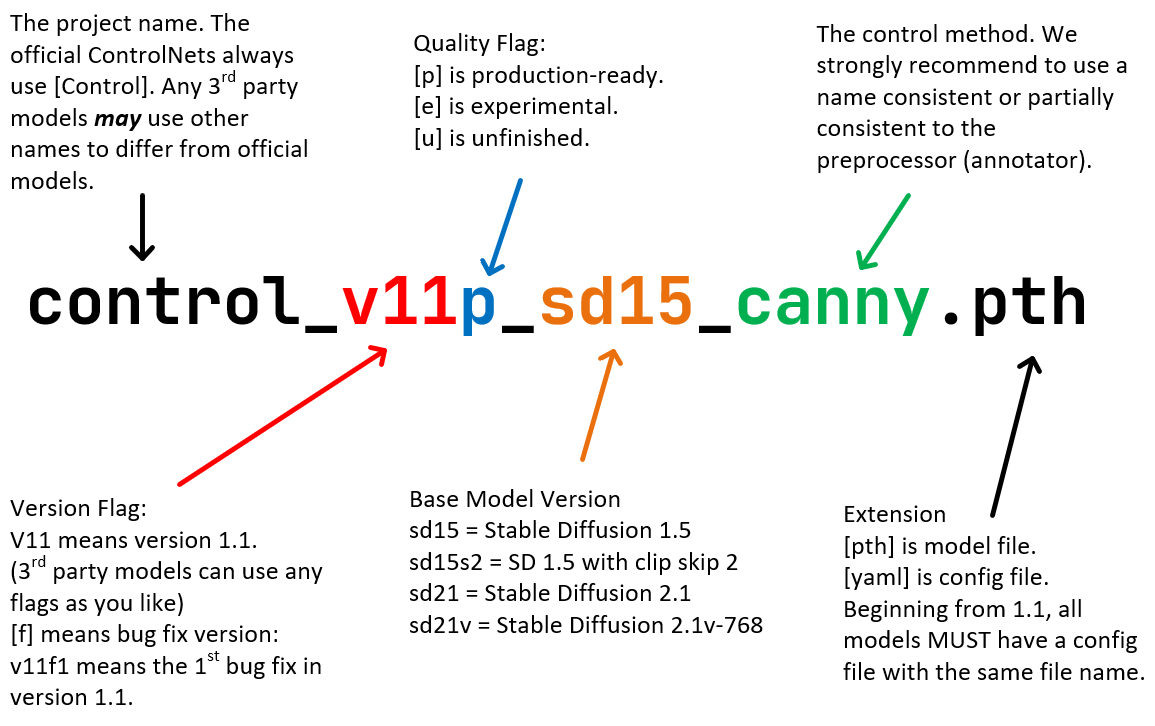
Figure 1. Diagram illustrating the Standard ControlNet Naming Rules (SCNNRs) as applied to the ControlNet 1.1 model suite.
Architectural Design and Technical Features
The core architecture of ControlNet SDXL Diffusers Canny is intentionally unchanged from ControlNet 1.0, ensuring forward compatibility and architectural stability until at least the anticipated ControlNet 1.5 release. The SDXL Diffusers Canny model is specifically trained on Stable Diffusion 1.5, using edge maps produced by the Canny algorithm as conditioning input.
ControlNet models in the 1.1 suite comply with Standard ControlNet Naming Rules (SCNNRs), a systematic naming convention crafted to improve clarity for users and developers. Each segment of a model filename—for example, control_v11p_sd15_canny.pth—conveys critical details about its version, quality, base model, and control mechanism, as visualized in the above diagram. Technical integration of ControlNet requires careful placement of global average pooling layers between the encoder outputs and the Stable Diffusion UNet, alongside applying the control information on only the conditional branch of the classifier-free guidance (CFG) scale. These behaviors are managed by the global_average_pooling parameter within model configuration files, supporting consistency across user-defined and automated inference pipelines.
Training Data, Procedures, and Improvements
The development of ControlNet 1.1 Canny prioritized enhanced data quality and training procedures. Notably, the training data underwent extensive refinements to eliminate duplicated grayscale images, low-quality or highly compressed samples, and prompt/image mismatches previously observed in datasets employed for ControlNet 1.0. These changes directly addressed artifacts such as unintended grayscale image generation and improved prompt fidelity, as documented in updates to ControlNet 1.1.
Training for the 1.1 Canny model was resumed from the corresponding ControlNet 1.0 checkpoint and employed substantial computational resources, including three days of continuous training on eight Nvidia A100 80G GPUs. Batch sizes were configured as 256 (8×32), and random left-right image flipping was incorporated as a form of data augmentation to further elevate output robustness.
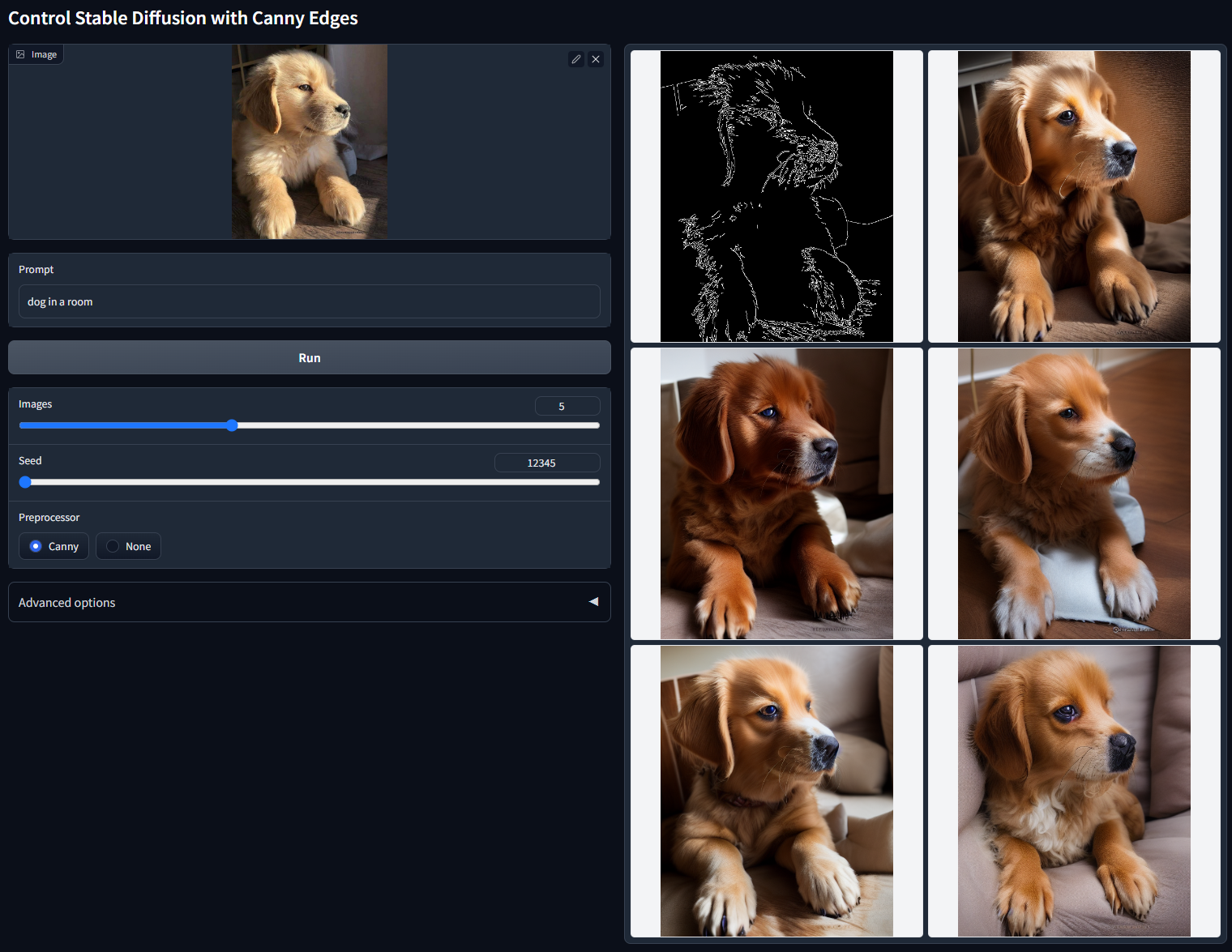
Figure 2. A non-cherry-picked batch output of ControlNet 1.1 Canny generating variations of 'dog in a room' guided by Canny edge maps. Prompt: 'dog in a room', random seed: 12345.
The model's ability to generalize and respect edge-guidance is reflected in its improved visual coherence and resilience to common dataset flaws, though direct quantitative performance metrics are not emphasized in current source documentation.
Applications and Model Usage
ControlNet SDXL Diffusers Canny conditions image generation on detected edges, enabling users to steer the synthesis of imagery by supplying Canny edge maps as a reference. This approach supports maintaining structural fidelity to source images while allowing stylistic transformations or interpretive generative outcomes under textual prompt direction. The model is used in workflows that require precise spatial control, such as pose transfer, object insertion, and recreations where edge geometry determines composition.
To utilize the model optimally, users are required to provide both the model checkpoint (e.g., control_v11p_sd15_canny.pth) and its corresponding configuration file in the appropriate directories, alongside the Stable Diffusion 1.5 base weights. Preprocessing workflows should ensure edge maps are correctly generated from source images using the Canny algorithm. For environments with limited hardware memory, specific optimizations such as memory-saving configurations can be enabled.
Comparison within the ControlNet Family
The ControlNet 1.1 family offers a diverse array of models, each specializing in a distinct method of conditional control, such as depth maps, semantic segmentation, pose estimation, lineart, and more, as outlined in the main ControlNet 1.1 documentation. While the Canny model centers on edge-based inputs, others such as Depth, Normal, and MLSD prioritize three-dimensional cues, surface normals, or straight line detection for alternative forms of spatial and semantic guidance. Production-ready models have been extensively validated, while several models—such as Shuffle and Tile—remain experimental.
A development parallel to standard ControlNet models is the emergence of Control-LoRA Canny Edge, which leverages low-rank adaptation (LoRA) techniques to reduce model size and computational demands. This version maintains Canny-based control, supporting edge-guided generation on various hardware and within open-source user interfaces.
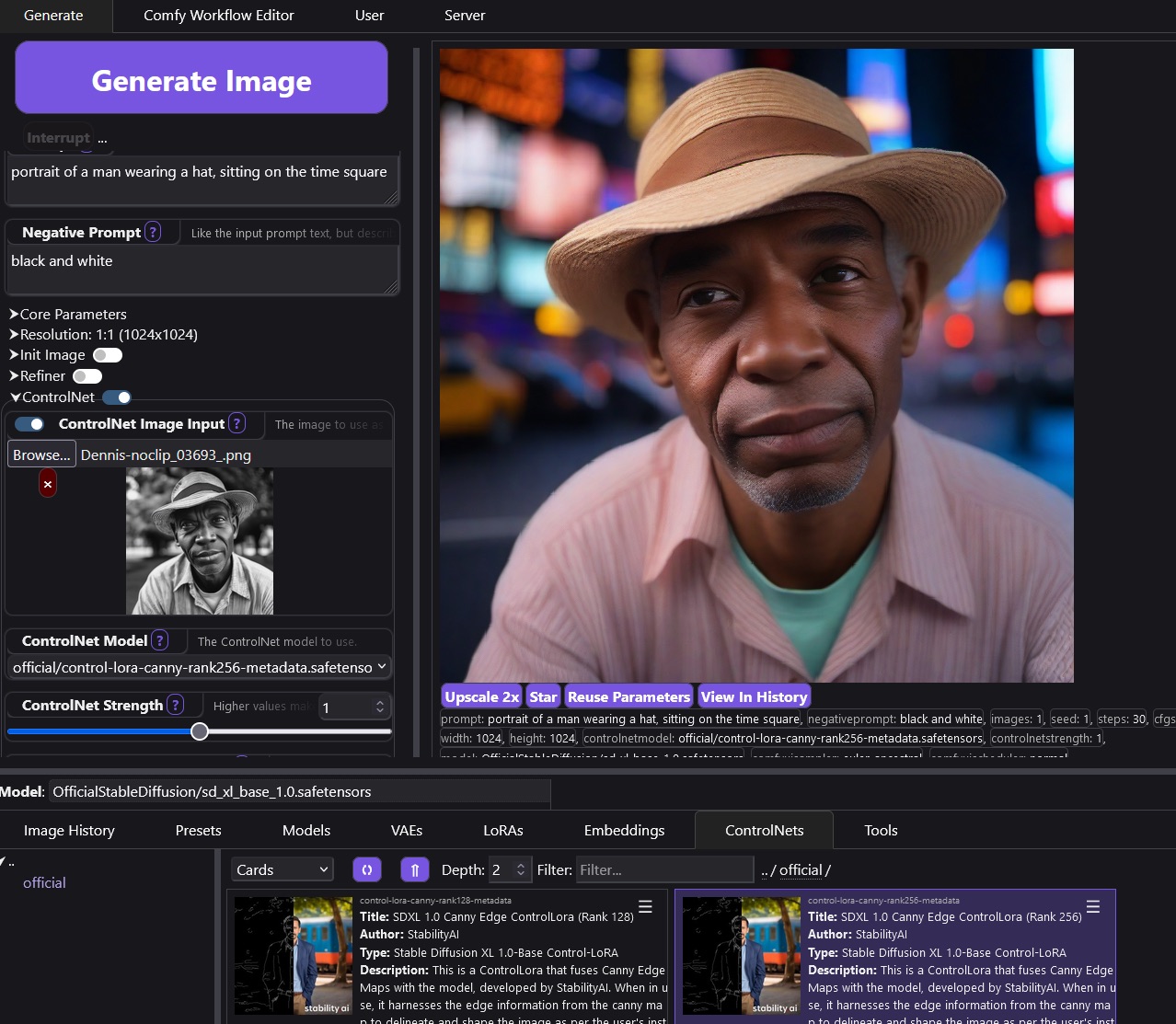
Figure 3. A portrait output generated using SDXL 1.0 Canny Edge ControlLoRA, demonstrating user control through grayscale edge input and prompt. Prompt: 'portrait of a man wearing a hat, sitting on the time square'.
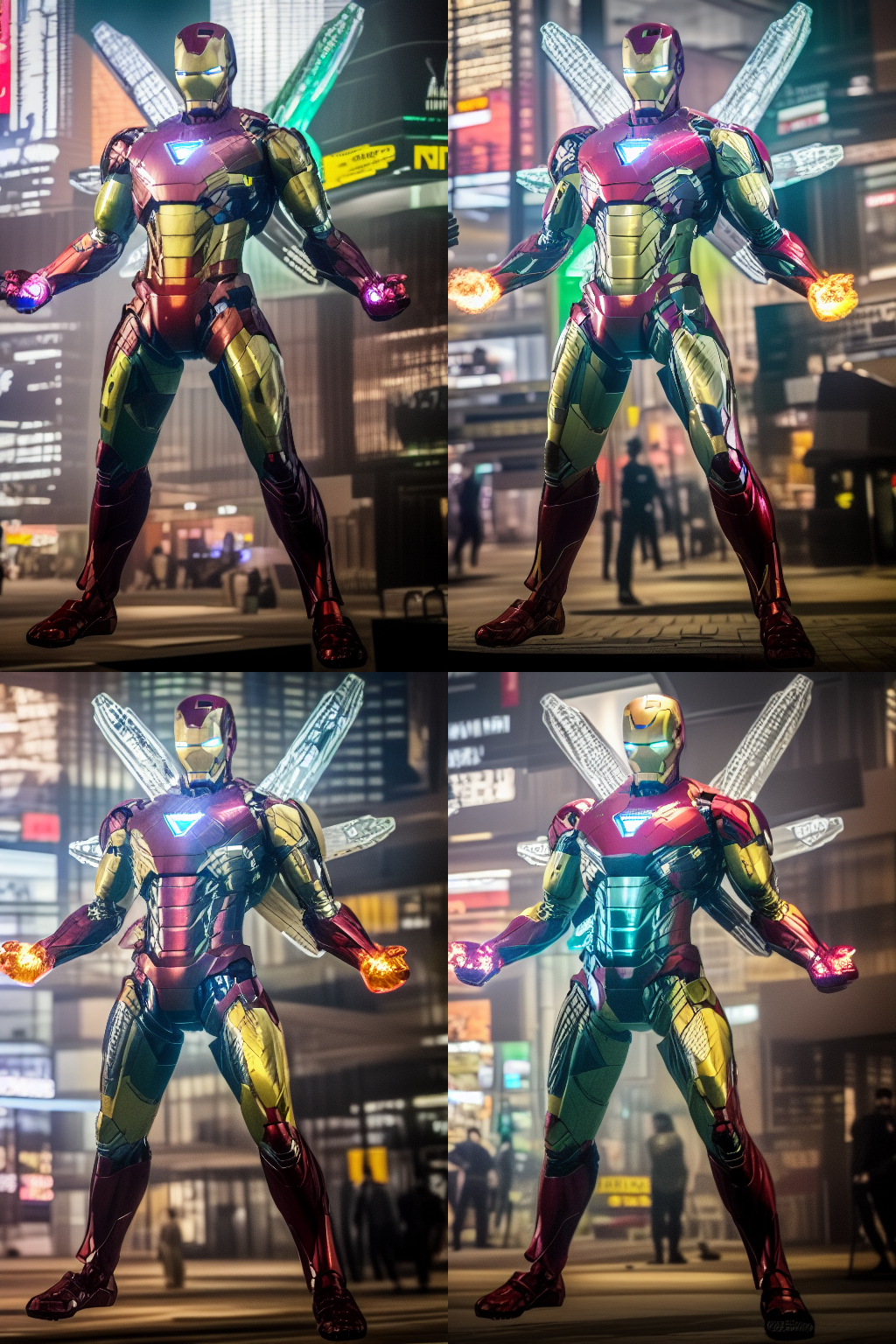
Figure 4. Examples of ControlNet output variations with multiple control signals, including Canny and Shuffle, generating stylistic differences for an Iron Man-like character.
Limitations and Considerations
Despite enhancements in data quality and robustness, the ControlNet SDXL Diffusers Canny model, like the broader ControlNet 1.1 suite, necessitates precise file organization and adherence to configuration protocols for proper operation. Certain models within the family are flagged as experimental and may require selective result evaluation for optimal outputs. Integration with external user interfaces or pipelines often requires additional configuration and adherence to project-specific recommendations, as found in ongoing discussions and support forums.
The model remains focused on academic and research applications and is not designed as a direct extension for particular platforms without further modification. Documentation and community resources emphasize continued nightly releases and incremental updates, reflecting an active development and maintenance cycle.
Release Timeline
ControlNet 1.1 and its associated models, including the SDXL Diffusers Canny, are released on a nightly schedule, enabling continuous improvements, bug fixes, and feature updates to be published promptly. Notable milestones include critical bug fixes for the Depth model on 2023-04-14 and the finalization of the Tile model on April 25, 2023, as recorded in official release notes.
Helpful External Resources
- A1111 ControlNet Extension: Recommended extension for ControlNet integration, supporting multiple control types and custom workflows.
- Official Hugging Face ControlNet 1.1 Model Repository: Download ControlNet 1.1 models and configuration files.
- Stable Diffusion v1-5 Model: Repository for the required Stable Diffusion base model.
- Hugging Face Annotators: Annotator models for edge, depth, pose, and segmentation preprocessing.
- Control-LoRA (Hugging Face): Official repository and documentation for Control-LoRA edge-based models.
- Surface Normal Uncertainty (Normal BAE): Source data for training the Normal control model in ControlNet 1.1.
- ScanNet Dataset: Reference protocol for normal map encoding standards.
- ComfyUI: User interface supporting Control-LoRA models.
- StableSwarmUI: Interface with native integration of Control-LoRA models.
- ControlNet Tile Discussion: Community discussion on advanced use cases for the Tile model.
- ControlNet Stylization Issue: Thread discussing stylization approaches using ControlNet.
- Pix2Pix Dataset: Dataset used for Instruct Pix2Pix model training within ControlNet 1.1.
More in the Stable Diffusion XL Family
Stable Diffusion XL
SDXL Turbo
SDXL Lightning
OpenDalle
Yamer's Realistic
AlbedoBase XL
Juggernaut XL
Realistic Vision XL
New Reality XL
Realism Engine SDXL
Animagine XL
Nightvision XL
Dreamshaper XL
Pony Diffusion V6 XL
ControlNet SDXL Canny
ControlNet SDXL Diffusers Depth
ControlNet SDXL Depth
ControlNet SDXL Recolor
ControlNet SDXL IP Adapter
ControlNet SDXL Open Pose
Compatible Apps
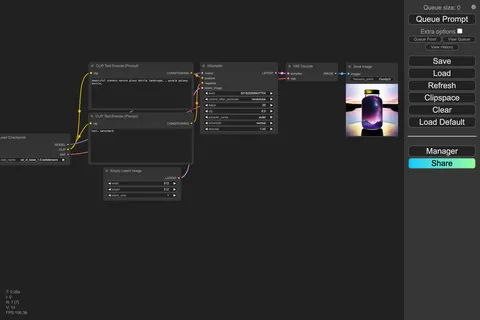
ComfyUI
A node-based workflow builder for advanced image and video generation, ideal for custom pipelines, fine control, and power users.
Web UI · API
Image Generation · Video Generation
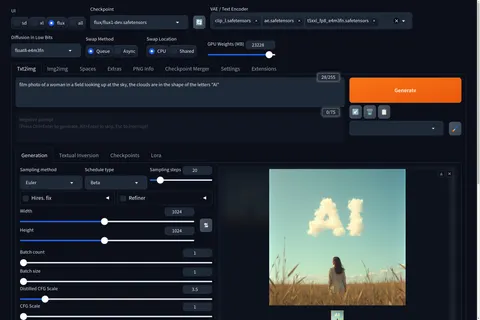
Stable Diffusion WebUI Forge
A faster, more experimental Stable Diffusion WebUI variant focused on improved resource use, quicker inference, and modern model support.
Web UI · API
Image Generation
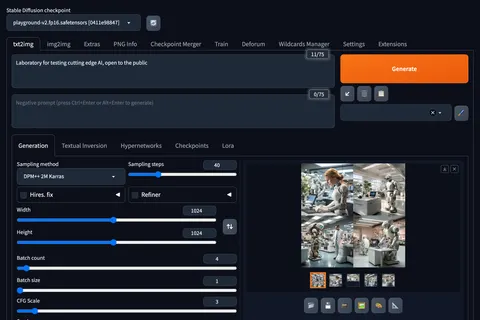
Stable Diffusion Web UI
A full-featured Stable Diffusion interface with deep controls for prompting, inpainting, extensions, and advanced image workflows.
Web UI · API
Image Generation · Video Generation
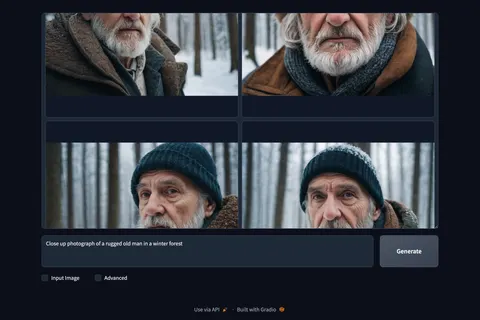
Fooocus
A beginner-friendly image generator focused on strong defaults, with built-in inpainting, outpainting, upscaling, and image prompting.
Web UI · API
Image Generation · Beginner Friendly
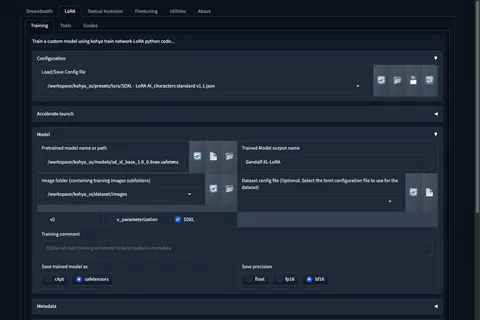
Kohya's GUI
Train LoRAs and fine-tunes for Stable Diffusion and FLUX with a popular GUI for Kohya-based training workflows.
Web UI · API
Fine-Tuning · Image Generation