open-webui /

Open WebUI

A polished, self-hosted chat interface for LLMs with Ollama integration, multimodal prompts, and extensive workspace customization.

Chat UIsBeginner Friendly
Version0.8.8
Python3.11
EnvironmentPython (uv)
InterfaceWeb UI
GPUOptional
Securely deploy Open WebUI on Laboratory OS.
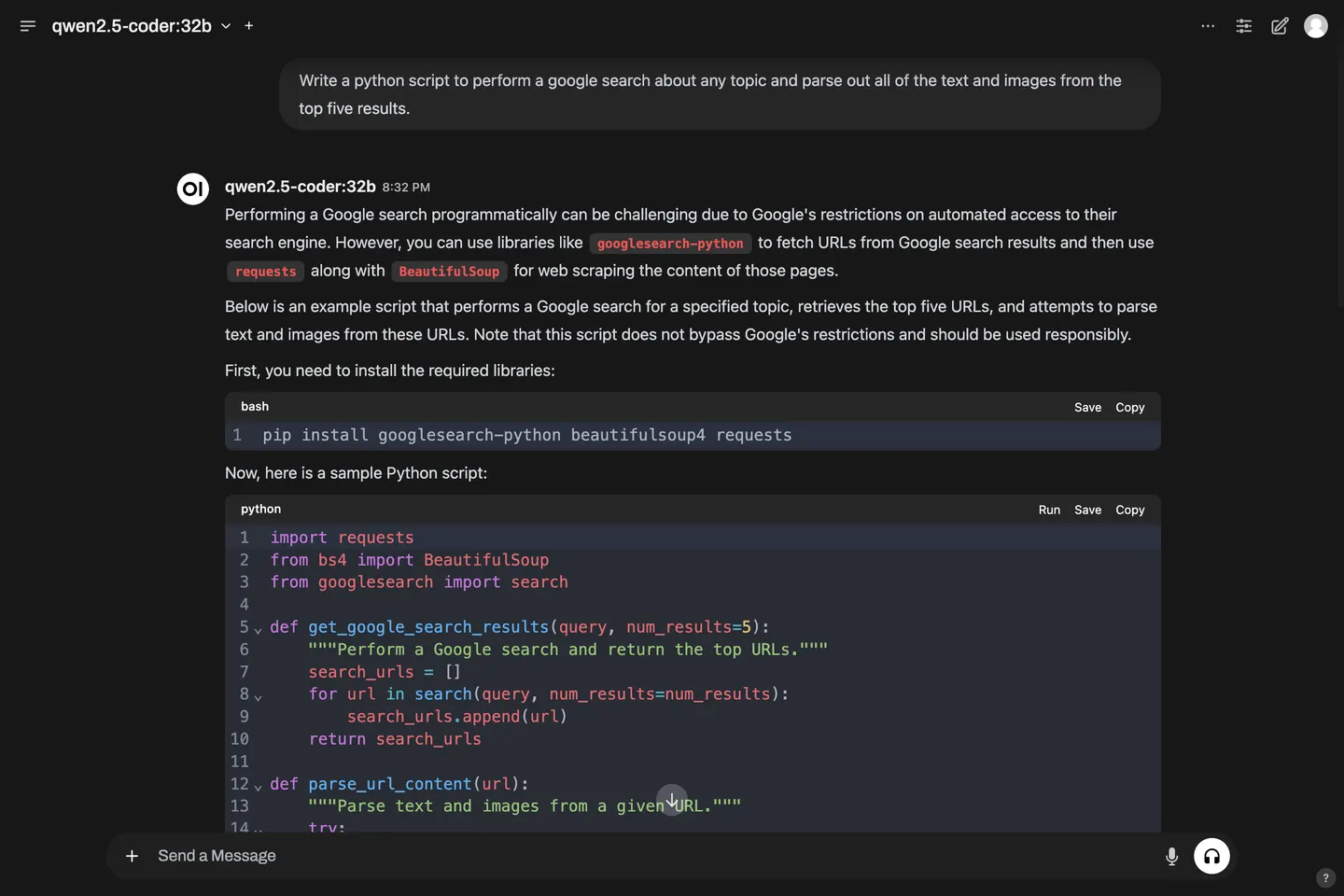
Chat with any open source LLM.

Open WebUI

Laboratory OS Installation Details

Environment

Working Directory/workspace/open-webui
Python3.11
Env Manageruv

Environment Variables

APP_DIRECTORY
/workspace/open-webui
PORT
<assigned at runtime>
APP_VERSIONWhich Open WebUI PyPI version to install.
0.8.8
WEBUI_AUTHEnable authentication for the web UI. If set to true, you will be prompted to set a username and password.
false
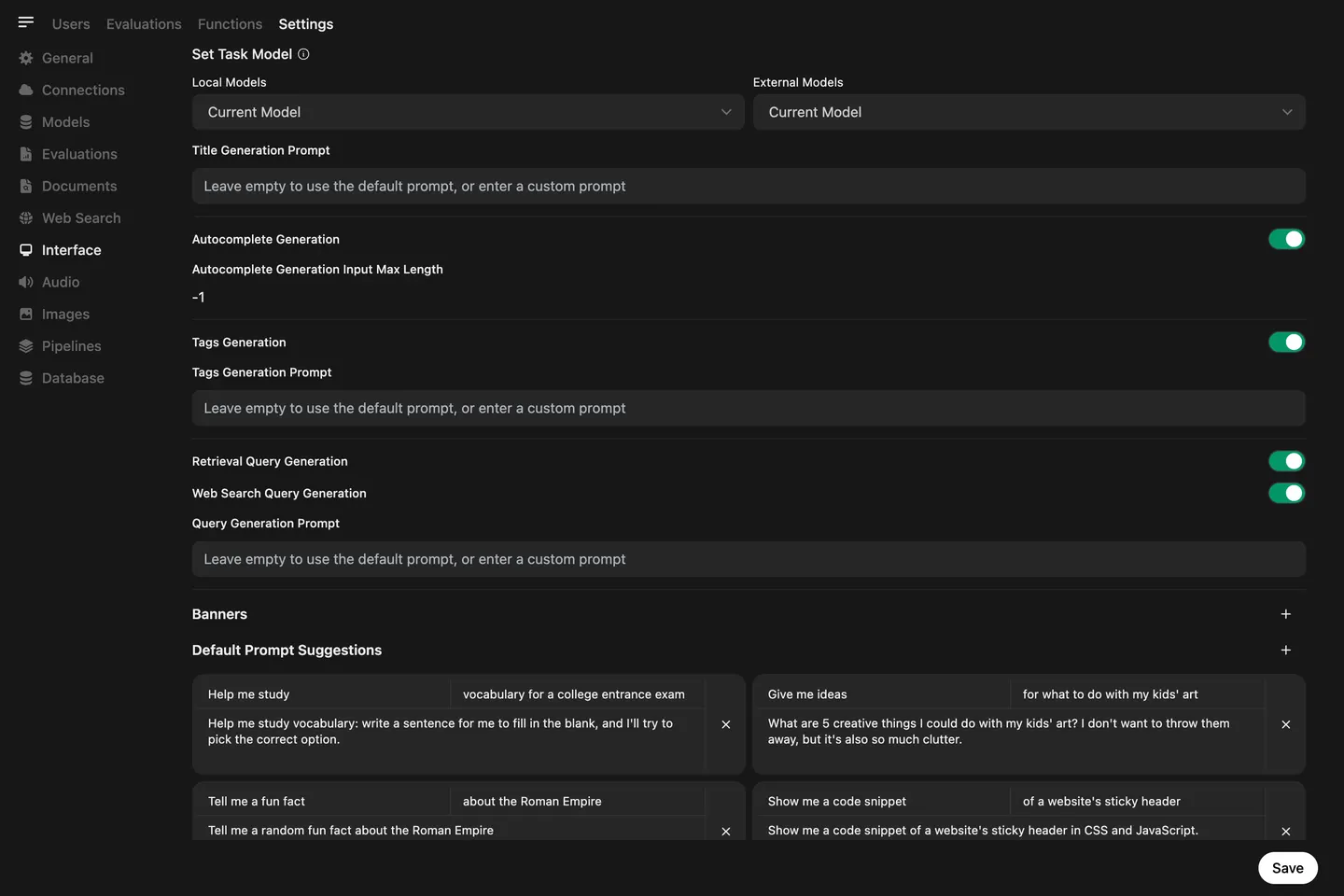
ENABLE_TITLE_GENERATION
false
ENABLE_FOLLOW_UP_GENERATION
false
ENABLE_AUTOCOMPLETE_GENERATION
false

Install & Run

install-and-run.sh
#!/bin/bash
set -e

export PATH="/opt/conda/bin:/root/.local/bin:$PATH"

# Create the directory if it doesn't exist
mkdir -p "/workspace/open-webui"
  
# Change to the app directory
cd "/workspace/open-webui"

# Install the requested Python version and create a virtual environment when needed
uv python install 3.11
if [ ! -d ".venv" ]; then
  uv venv --seed --python 3.11 .venv
else
  echo "Virtual environment already exists at /workspace/open-webui/.venv"
fi

# Activate the virtual environment
source .venv/bin/activate


# Environment setup complete
echo "Environment setup complete!"

# Install Open WebUI during setup so service restarts do not re-resolve PyPI.
uv pip install --upgrade "open-webui==${APP_VERSION:-0.8.8}"

export DATA_DIR=$PWD
exec open-webui serve --port "$PORT" $OPENLAB_EXTRA_ARGS