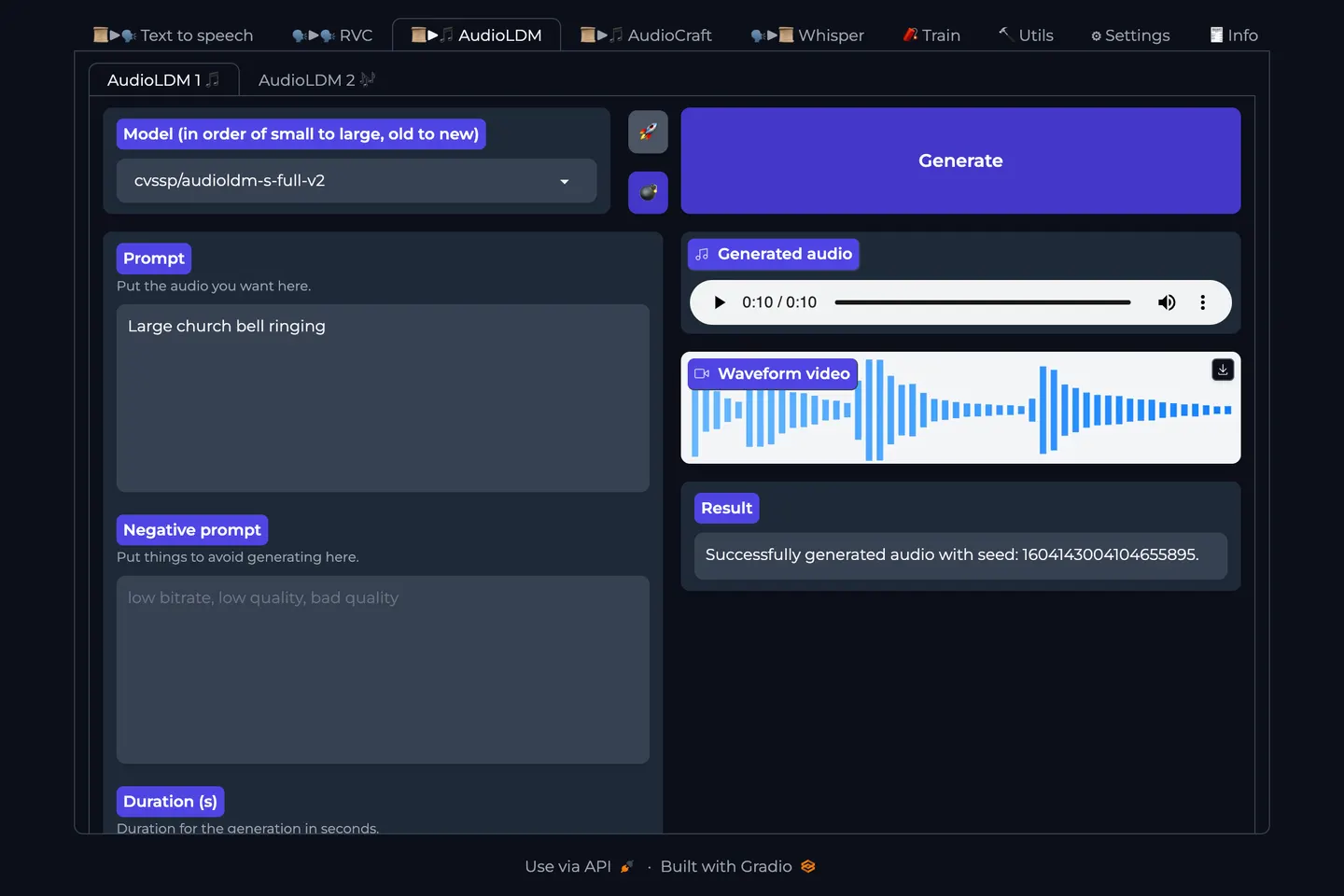
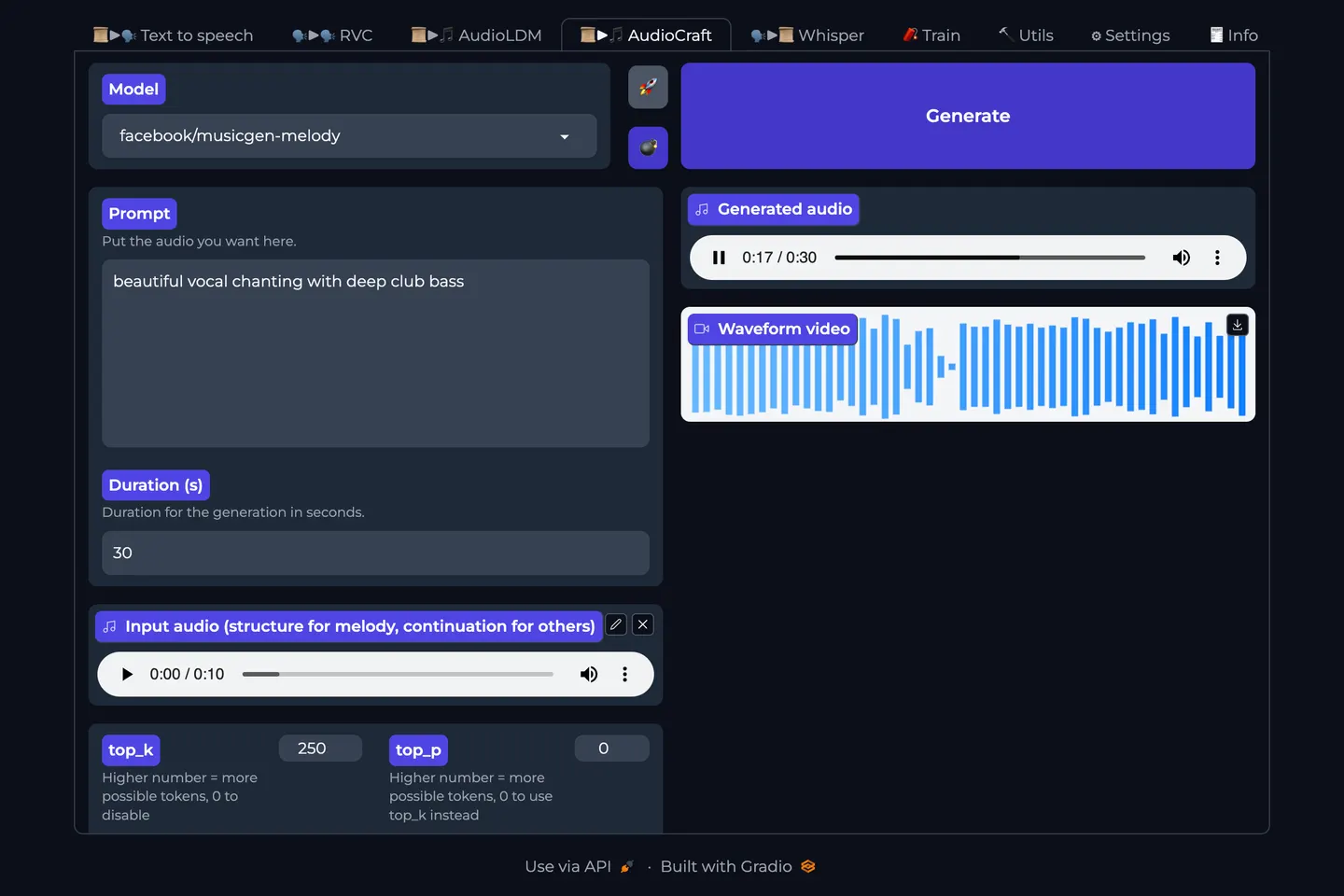
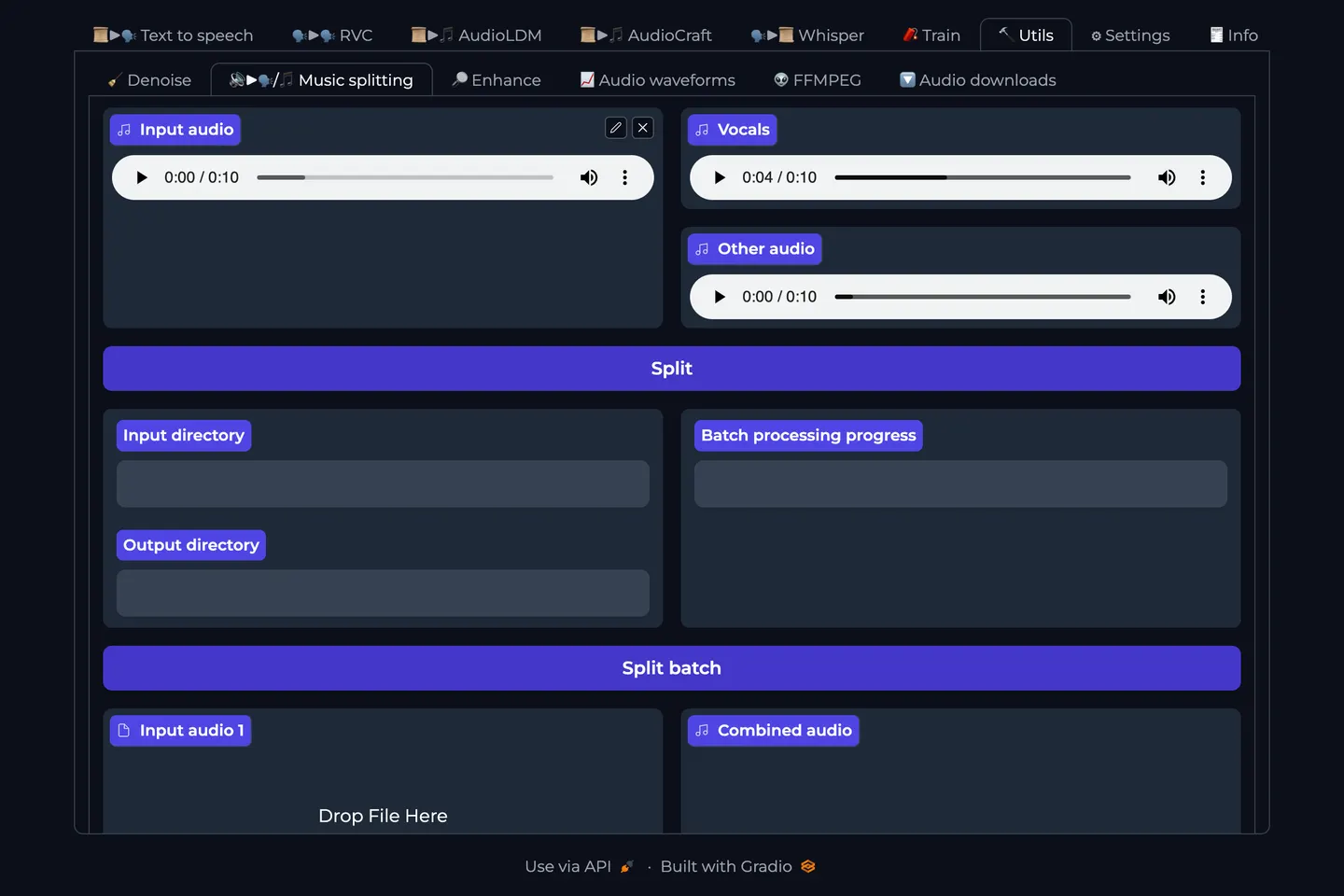
A multi-tool audio studio for text-to-speech, voice cloning, music generation, stem splitting, and other audio workflows.
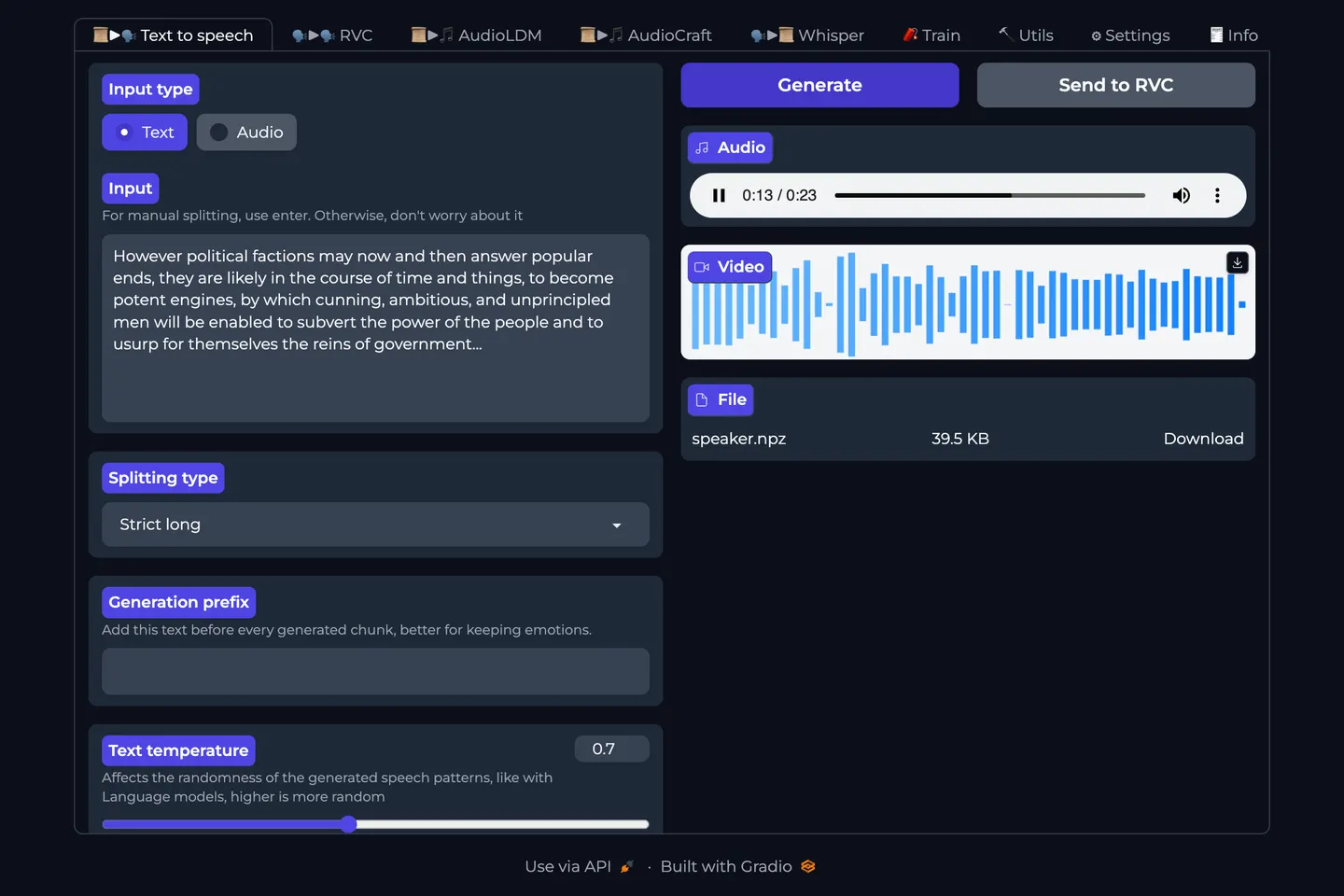
Generate realistic speech from text prompts.
Compatible Models
Laboratory OS Installation Details
Environment
Environment Variables
Install & Run
#!/bin/bash
set -e

export PATH="/opt/conda/bin:/root/.local/bin:$PATH"

# Clone the GitHub repository into the directory when needed
mkdir -p "/workspace/audio-webui"
if [ -d "/workspace/audio-webui/.git" ]; then
  echo "Git repository already initialized in /workspace/audio-webui"
elif [ -z "$(ls -A "/workspace/audio-webui" 2>/dev/null)" ]; then
  git clone --progress "https://github.com/gitmylo/audio-webui" "/workspace/audio-webui"
else
  echo "Working directory /workspace/audio-webui already exists and is not a git repository."
  echo "Leaving existing files untouched and skipping clone of https://github.com/gitmylo/audio-webui."
fi

# Change to the app directory
cd "/workspace/audio-webui"

# Install the requested Python version and create a virtual environment when needed
uv python install 3.11
if [ ! -d ".venv" ]; then
  uv venv --seed --python 3.11 .venv
else
  echo "Virtual environment already exists at /workspace/audio-webui/.venv"
fi

# Activate the virtual environment
source .venv/bin/activate


# Install PyTorch
uv pip install torch torchvision torchaudio --extra-index-url https://download.pytorch.org/whl/cu128

# Environment setup complete
echo "Environment setup complete!"

uv pip install wheel
uv pip install soxr
uv pip install numpy torch --upgrade
uv pip install fairseq

# Run with an invalid port to do setup and exit
bash ./run.sh --port -1

bash ./run.sh --listen --port $AUDIO_WEB_UI_PORT --no-data-cache -v $OPENLAB_EXTRA_ARGS